How to Use HappyShrimp for Image-to-Video Soundtracks: A Practical Prompting and Timing Workflow
Learn how to turn image-to-video edits into intentional AI soundtracks with HappyShrimp using visual score cards, energy curves, and timing-aware music prompts.
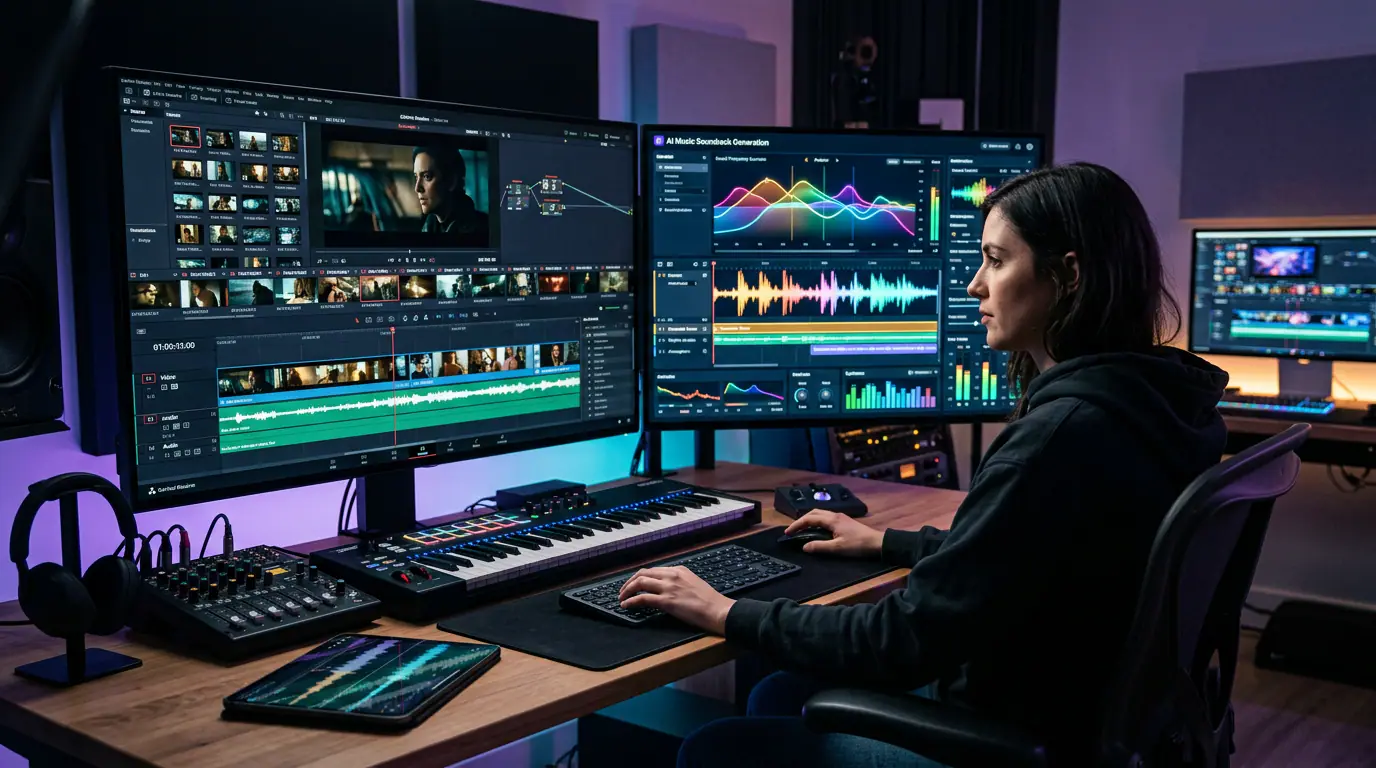
An image-to-video clip can be visually convincing and still feel unfinished. The product rotates cleanly. The portrait has a believable camera push. The city lights move. Yet the track underneath feels as if it was chosen from a different edit: the beat arrives before the motion begins, the melody crowds the product reveal, or the ending keeps talking after the picture has stopped.
That mismatch is rarely fixed by typing more genre words. It is usually a translation problem. A visual prompt describes what the viewer sees. A music prompt needs to describe what the viewer should feel over time: where energy starts, what changes, what receives emphasis, and where the clip should breathe.
This guide gives image-to-video creators a repeatable way to build that translation. The output is not a complicated music-production document. It is a compact scoring brief that you can turn into a music prompt, audition against the edit, and refine without losing the original visual idea.
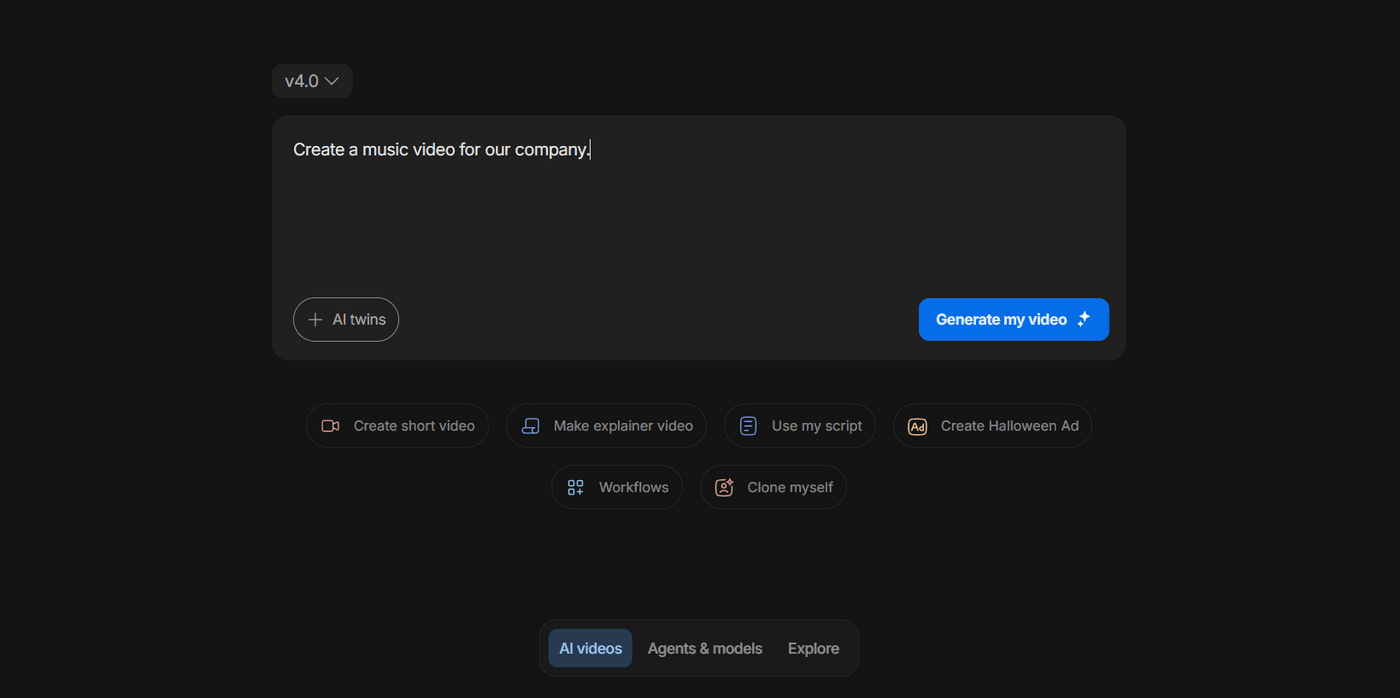
“Create a music video for our company” states an ambition, but it does not give a visual generator—or a music generator—enough creative direction.
The Core Principle: Score the Change, Not the Entire Clip
A short AI video does not need a miniature film score. It needs one readable relationship between visual change and sonic change. Think of the clip as a sequence of three beats rather than a block of footage:
| Beat | What the viewer sees | What the music needs to do | The question to answer |
|---|---|---|---|
| Arrival | The first frame, first motion, or first object | Establish pace and emotional temperature | Should this feel quiet, curious, polished, urgent, or playful? |
| Turn | The clearest shift in motion, framing, light, or subject attention | Add, remove, or reshape energy | What should change when the picture changes? |
| Landing | The held product, final expression, logo, or final frame | Resolve, suspend, or make space | Should the viewer feel completion or want to continue? |
The most common error is writing a track description as though the clip stays emotionally identical from beginning to end. A slow macro push and a fast product reveal might both be called “cinematic,” but they need very different energy curves. The first may need a sparse opening and a soft lift. The second may need a pulse that is already present, then a precise accent at the reveal.
Before opening a music tool, watch the video on mute and write one sentence for each beat. Do not describe every object. Describe only the information that changes the music decision.
Example visual score card: A dark bottle appears in stillness; the camera glides closer as reflections move across the label; the bottle settles front-facing against a clean background.
That card already suggests a score: restrained at the start, a subtle rise during the glide, and a clean low landing when the bottle settles. It says more than “premium electronic music,” because it explains what the premium feeling must do inside the edit.
Build a Scoring Brief Before You Generate Anything
A useful brief can fit in six lines. The goal is to prevent the music prompt from becoming a pile of unrelated adjectives.
| Brief field | What to write | Useful example |
|---|---|---|
| Delivery context | Where and how the clip will be watched | A nine-second vertical product reveal for a social feed |
| Visual action | The one main action in the shot | Slow push from a label detail to the full bottle |
| Emotional arc | The movement from start to finish | Stillness → anticipation → polished release |
| Energy curve | The musical density or force over time | Sparse opening, small lift, controlled ending |
| Sound palette | Instruments, texture, or vocal decision | Soft synth pad, low pulse, no lead vocal |
| Guardrails | Elements that would undermine the shot | No dramatic drop, no busy drum fill, no comedy cue |
The guardrail deserves more attention than it usually gets. A creator might know they want “uplifting electronic music,” but fail to say that the product needs to remain the focus. The resulting track can be technically upbeat and still be wrong because the vocal hook, percussion fill, or chorus-sized climax wins the viewer’s attention at the exact moment the picture needs clarity.
A compact scoring brief also makes iteration easier. If a result is too busy, you can change one field—energy curve or guardrail—without accidentally replacing the entire sound identity. That is much more useful than asking for a vague “less intense version.”
From Vague Request to Directed Prompt
A music prompt should be a direct continuation of the visual brief. It should state the purpose, then the energy curve, then the sound palette, then the exclusions. This creates a sequence a generator can interpret without having to guess which detail matters most.
Create [sound palette] for [delivery context]. Begin with [opening energy]; build as [visual action] develops; land at [final visual beat] with [desired result]. Avoid [guardrails].
Here is the difference in practice.
| Too broad | Directed version |
|---|---|
| “Make cool music for a product video.” | “Create restrained instrumental electronic music for a nine-second vertical fragrance reveal. Begin with a quiet, airy synth texture and a soft pulse; add a little tension as the camera glides across the bottle; make a clean, low landing when the product settles front-facing. Avoid big drums, vocals, and a dramatic drop.” |
| “Make emotional music for a travel clip.” | “Create warm indie-folk instrumental music for a slow sunrise travel clip. Start with gentle acoustic texture and wide open space; introduce a light rhythmic lift as the camera moves forward through the landscape; end with a long, calm sustain that leaves the final wide shot breathing. Avoid trailer-style percussion and sentimental vocal lines.” |
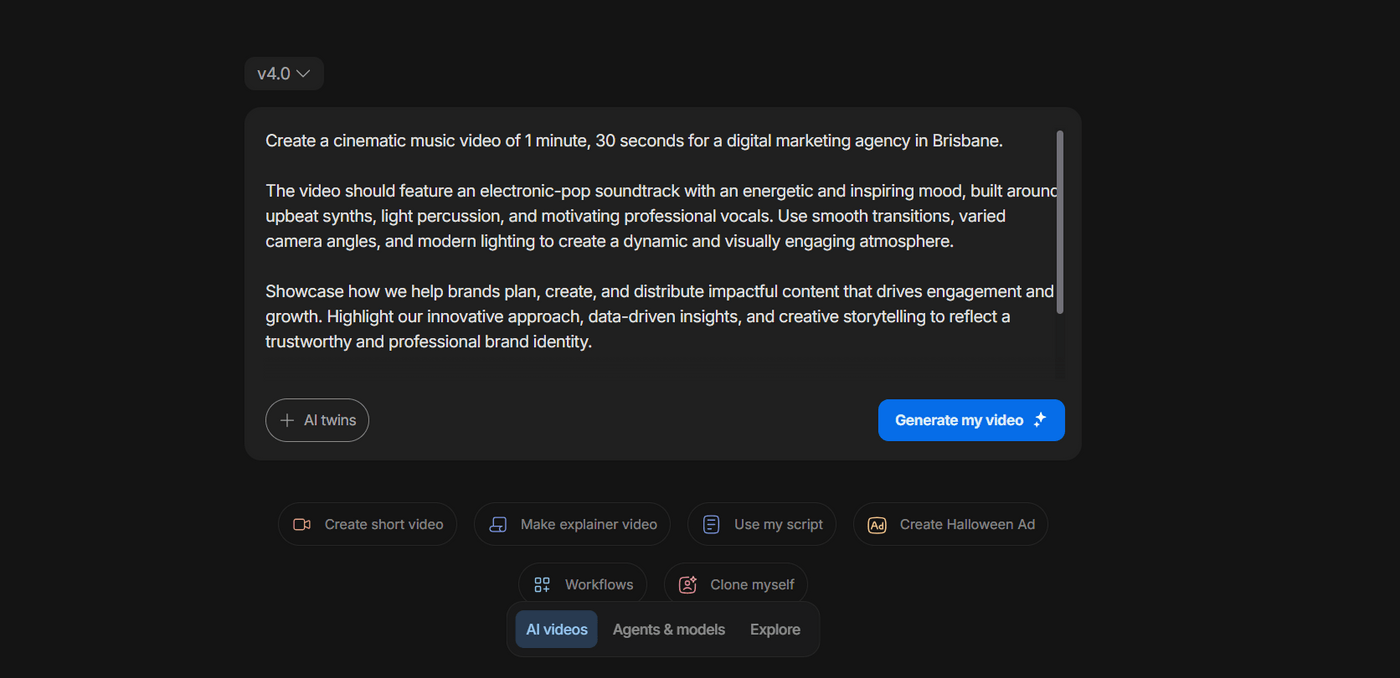
The useful shift is not merely “more detail.” It is giving every detail a job: purpose, sound, visual pacing, and the intended viewer response.
Where HappyShrimp Fits in the Workflow
Once the scoring brief is clear, HappyShrimp can act as the music-ideation step between a finished visual concept and a final edit. Its public creation page provides a place to describe the music you want to create and visibly includes Instrumental, Smart Lyrics, and 2 songs options.
That makes its most natural role straightforward: use a written visual score card as the input for a first music direction, then audition the result against the generated clip. HappyShrimp does not need to be described as an automatic video editor, beat detector, or scoring engine for this workflow to be useful. The creator remains responsible for identifying the visual turn and final landing; the music-generation step makes it faster to test the resulting direction.
For dialogue-free image-to-video pieces, start by testing an instrumental direction. It leaves more room for motion, product detail, captions, or later sound design. If a piece genuinely needs a lyrical hook, a spoken line, or a sung point of view, develop that as a separate creative choice rather than letting a vocal appear by accident in a visual-first edit.
The visible two-song option is especially useful when you give the candidates different jobs. Do not ask twice for “the best track.” Ask for one restrained candidate and one forward-moving candidate. The comparison should reveal what the edit needs.
| Candidate | When to use it | Prompt adjustment |
|---|---|---|
| A: restrained | Texture, portrait, slow push, luxury detail, a final held frame | Use sparse layers, lower density, softer pulse, and a longer tail |
| B: forward-moving | Fast cuts, a sequence of small actions, before-and-after motion, a high-energy reveal | Use a clearer pulse, a gradual build, and one defined accent at the turn |
Four Copy-Ready Prompt Recipes
The following templates are intentionally written for short image-to-video clips. Replace the bracketed details with your own scene, but preserve the relationship between action and sound.
1. Slow product reveal
Create instrumental electronic music for a [duration] vertical product reveal. Begin with a quiet, glossy synth texture and a restrained low pulse. As the camera slowly pushes from [detail] to the full [product], increase anticipation without becoming loud. When the product settles [final composition], make a clean, polished landing with a short tail. Avoid vocals, dense drums, and an oversized cinematic drop.
Use this when the visual needs to feel controlled. The music should make the product more legible, not signal that a different event has started.
2. Fast social cut or transformation
Create a crisp, modern instrumental cue for a [duration] social video. Start with a confident rhythmic pulse; let the energy build across [number] quick visual changes; place one sharp but clean accent at the [reveal / transformation / final cut]. Keep the ending short and decisive. Use [sound palette]. Avoid a long intro, an extended breakdown, and melodic phrases that distract from on-screen text.
Use this when the edit already has movement. Your task is not to make it busier; it is to give the cuts a consistent pulse and one memorable moment of emphasis.
3. Portrait or lifestyle moment
Create an intimate [genre or palette] instrumental for a short [time of day / setting] portrait clip. Begin with open space and a gentle [instrument or texture]. As [subject action] unfolds, add only a small rhythmic lift to support the camera movement. End on a warm, unresolved sustain as the subject [final action or expression]. Avoid heavy percussion, vocals, and a sudden mood change.
Use this when the camera is doing emotional work. A close-up, a pause, and a held look often need less music than creators expect.
4. Travel or place-based movement
Create atmospheric instrumental music for a [duration] [vertical / widescreen] travel clip. Begin with a spacious [instrumental palette] that matches [weather / light / location]; introduce a light sense of forward motion as the camera [camera move]; open slightly at the [wide reveal / skyline / arrival]. Keep the final image breathable. Avoid epic trailer drums and a large chorus-sized climax.
Use this when the visual opens into space. The track should widen with the picture rather than forcing a generic adventure-movie peak.
Use the Video Prompt and the Music Prompt as Two Linked Documents
The visual prompt and the music prompt should share a few words, but they should not be copies of each other. The visual prompt tells the model how to animate the scene; the music prompt turns the animation into energy, texture, and timing.
| Visual-prompt detail | Translation for the music brief |
|---|---|
| “Slow push-in toward the subject” | Begin restrained; add intimacy or gentle tension over time |
| “Locked product rotation” | Maintain a stable pulse; avoid unexpected musical events |
| “Fast cut from dark to bright scene” | Create one clear transition accent or a noticeable lift |
| “Camera pulls back to reveal the space” | Open the harmony or reduce density to create scale |
| “Subject pauses and looks into camera” | Thin the arrangement or leave space around the pause |
| “End on a still brand frame” | Resolve cleanly, fade, or make a short quiet landing |
This is why “match the music to the video” is not specific enough. A short video can contain many visual nouns but only one or two score-worthy changes. Find those changes first.
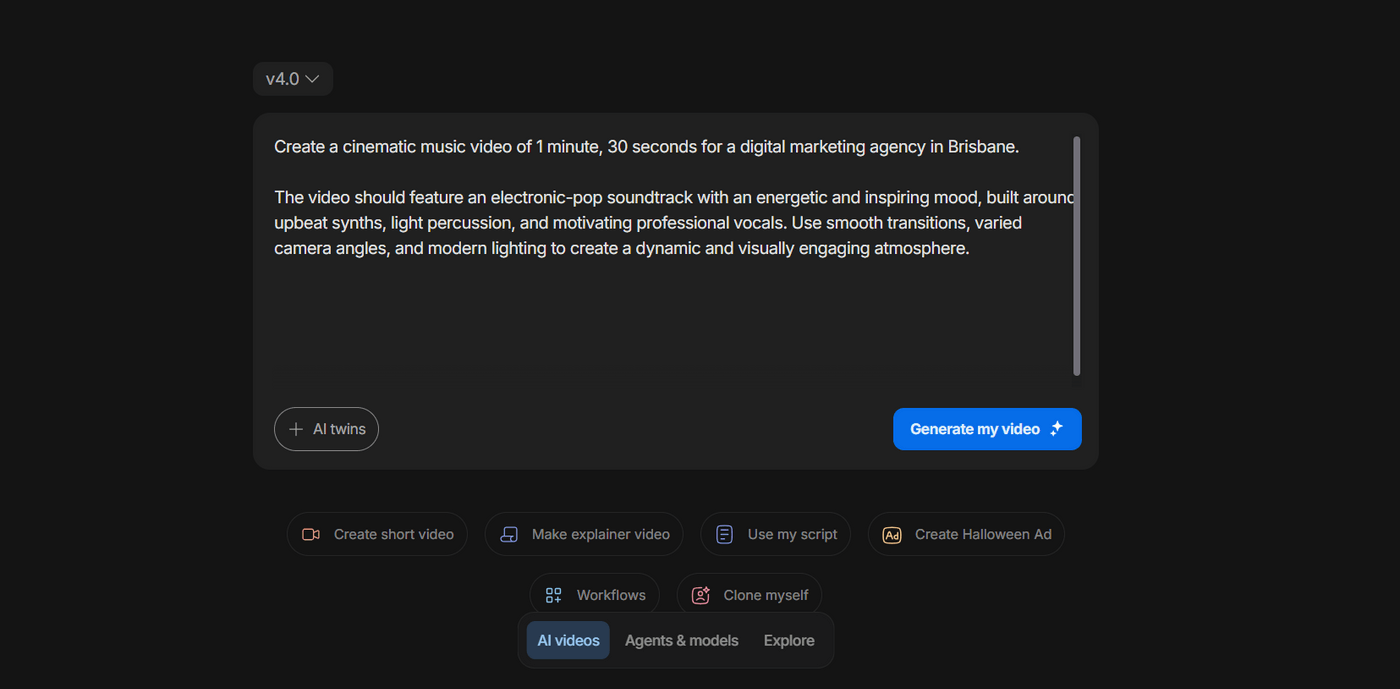
Name the sound palette and visual treatment in the same brief, but keep the energy curve simple enough to hear in one short clip.
A Better A/B Test: Change One Variable at a Time
If you generate two directions and neither works, do not immediately replace every adjective. Run a controlled second pass. Change one variable while retaining the rest of the score card.
| If the result feels… | Keep | Change |
|---|---|---|
| Too busy | Purpose, palette, and visual action | Reduce density; remove vocals or elaborate percussion |
| Too flat | Palette and guardrails | Add a small lift at the visual turn; define one accent |
| Too cheerful | Timing and general arrangement | Shift the emotional temperature: warm to reflective, playful to restrained |
| Too dramatic | Entry point and final landing | Remove “cinematic” shorthand; replace the drop with a controlled rise |
| Too slow for the edit | Palette and emotional intention | Ask for a clearer pulse or earlier rhythmic entry |
| Good on its own but wrong under the clip | The music direction itself | Move the edit entry a few frames; test the cut point before generating again |
The last row matters. A track can feel wrong merely because it begins too early, too late, or on the wrong frame. Before throwing it away, test a small timing adjustment inside the editing timeline. If the sound palette and energy curve now make sense, the prompt was not the problem.
Set the Visual Format Before You Score It
Sound decisions are easier when you know the delivery format. A wide travel shot, a 9:16 product reveal, and a square social asset can use the same source image but create different pacing. A vertical crop tends to make the central subject more immediate; a wide frame has more room for environmental movement and a slower arrival. Frame rate, clip length, and the amount of movement should be selected before you commit to the music direction.
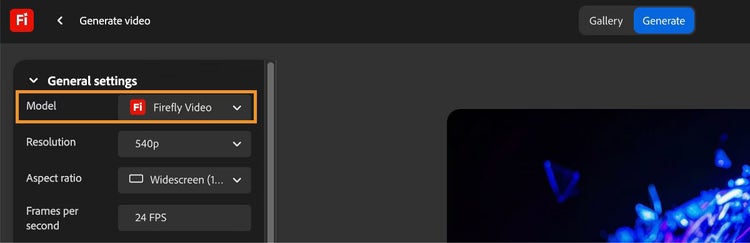
Lock the visual format first. The more stable the output decision, the easier it is to write a useful musical energy curve.
If you are using ImageToVideoAI or another image-to-video workflow, write the output format at the top of the score card before generating music: aspect ratio, approximate duration, one primary action, and the intended viewing context. You do not need to turn the music prompt into a technical specification. You simply need to avoid scoring a quiet, wide establishing shot as if it were a rapid vertical reveal.
Review the Track Against Three Moments, Not the Whole Timeline at Once
When the visual and music draft are both ready, stop trying to judge the entire piece in one viewing. Check three moments in sequence.
- The entry: Does the music arrive when the first visible action arrives, or does it start explaining the clip before the picture has begun?
- The turn: Does the track change when the camera, motion, or viewer attention changes? It can add energy, remove energy, or simply make a small accent.
- The landing: Does the final frame have enough space to register? A short fade, held chord, or deliberate stop may all work; continuous activity usually does not.
<div style="position:relative;padding-bottom:56.25%;height:0;overflow:hidden;max-width:100%;"> <iframe src="https://www.youtube.com/embed/KDsfvb-cpbQ" title="AI music video example" style="position:absolute;top:0;left:0;width:100%;height:100%;border:0;" loading="lazy" allow="accelerometer; autoplay; clipboard-write; encrypted-media; gyroscope; picture-in-picture" allowfullscreen></iframe> </div>
When you review a music-video sequence, look for visual section changes and ask whether the soundtrack helps the viewer feel each change—not whether every frame has a musical event.
For a simple product clip, the turn may be only one reflection moving across a label. For a faster montage, it may be the first hard cut or the entry of a new location. The principle stays the same: one intentional relationship is stronger than constant activity.
Troubleshooting: What the Result Is Telling You
| Symptom | Likely cause | First fix to test |
|---|---|---|
| The music sounds generic | The brief named a mood but no visual action or arc | Add the arrival, turn, and landing in one sentence |
| The clip feels over-scored | Too many elements compete with a simple visual | Remove vocals and dense percussion; retain one pulse or texture |
| The reveal has no impact | The brief never identified the reveal as a turn | State exactly what changes at the reveal and request one controlled accent |
| The music feels late | The entry point in the timeline is wrong | Shift the track a few frames before rewriting the prompt |
| The music feels early | The visual needs silence before its first action | Delay the track or ask for a quieter opening texture |
| A track is attractive but not usable | The audio has a different emotional narrative from the picture | Keep the visual score card; change only emotional temperature or pacing |
| Every version feels unpredictable | The prompt changes too many variables at once | Lock the palette and delivery context; revise one field per test |
When to Move Beyond a Generated First Draft
A generated track is a useful creative direction, not a universal replacement for every audio workflow. Use a more traditional production, post-production, or licensing path when the job requires frame-accurate composition, a specific human performance, precise dialogue mixing, a pre-cleared commercial track, or strict brand-audio requirements.
That boundary does not make the ideation step less valuable. On the contrary, a clean scoring brief can help a composer, editor, sound designer, or client understand the creative need much faster. “A low, restrained pulse that opens only when the skyline appears” is actionable. “Make it more cinematic” is not.
Final Checklist Before You Publish
| Check | Pass condition |
|---|---|
| Visual action | Each clip has one primary motion or turn |
| Score card | Arrival, turn, landing, palette, and guardrails are written down |
| Prompt | It describes purpose, energy curve, sound palette, and exclusions |
| Candidate test | Two directions solve different jobs rather than repeating the same request |
| Timeline review | Entry, turn, and landing have been judged against the picture |
| Rights and review | You have confirmed the permissions and requirements for the finished production |
The best soundtrack for an image-to-video clip does not need to prove how much music it contains. It needs to make the visual decision feel inevitable. Start with the one change your viewer should feel, put that change into a six-line score card, and use HappyShrimp to audition two purposeful directions. The result is not just a track under a video. It is sound that gives the picture a beginning, a turn, and a place to land.