Where DeepSeek Harness Breaks Down: A Traceable Workflow for Image-to-Video Agents
Learn why unconstrained agent prompts fail in image-to-video pipelines, how to split generation into four reviewable layers, and how to build a traceable workflow for AI video agents.
Ask an agent to “turn this product photo into an eight-second launch clip,” and it may be able to submit a generation job. The hard part begins after the job is submitted. Which first frame did it use? Did it ask for a push-in or an orbit? Why did the product drift in this version? Should the next attempt change the prompt, the model, or the source asset? And, most importantly, who decides that the result is safe and ready to publish?
That is the point many teams miss when they first evaluate DeepSeek Harness. Replacing a manual prompt with automation does not automatically create a reliable creative pipeline. DeepSeek describes Harness as the layer that helps an agent understand its environment, use tools, and keep operating in real-world settings. Models, tools, skills, sessions, sandboxes, storage, loops, scheduling, and the UI can all be composed as plugins in the system’s architecture. The official overview also makes an important qualification: DeepSeek Harness is still in developer preview, and its core plugins and APIs will continue to evolve.
The practical question, then, is not “How do we make the agent generate faster?” It is this: How do we make every generation legible at the input, checkable at the output, and recoverable when it fails? For image-to-video work, the answer is not simply a longer prompt. It is a clear workflow contract.
The short answer: separate one video job into four responsibilities
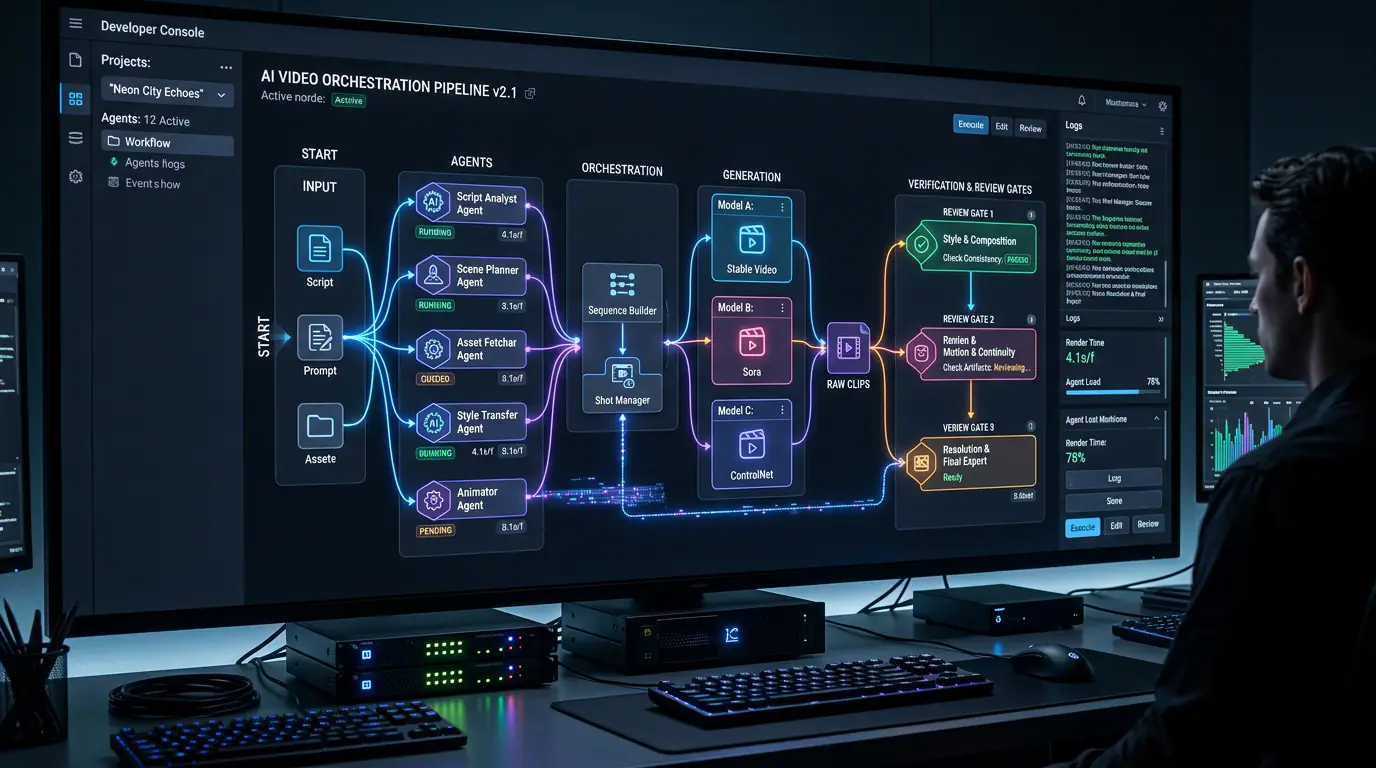
An image-to-video task should distinguish between creative specification, generation execution, quality review, and publishing handoff. Harness can orchestrate those responsibilities, but it should not collapse them into one open-ended request such as “make it and publish it.” Only when each stage has a defined input and exit condition does a trajectory log become genuinely useful.
| Layer | The question it answers | What should be recorded | What it should not decide on its own |
|---|---|---|---|
| Creative specification | What should this clip communicate, and how should the subject and camera move? | First-frame ID, subject constraints, action, camera move, duration, aspect ratio, style | Whether the finished clip should be published |
| Generation execution | Which approved specification should be sent to which video service? | Tool call, selected model and settings, job ID, submission time | Replacing approved constraints with a vague paraphrase |
| Quality review | Does the result preserve the subject, motion intent, and final frame? | Preview URL, checklist results, human verdict, failure reason | Treating a completed job as a usable creative asset |
| Publishing handoff | Who may download, edit, or release the asset, and are rights clear? | Approved version, intended use, owner, handoff time | Bypassing human approval to post publicly |
This structure does not reduce automation. It makes automation maintainable. DeepSeek Harness records what a model sees, as well as tool calls, tool results, subagent scheduling, and context injection in an append-only session log; its trajectory features are designed to support inspection, resuming, forking, searching, and replaying a run. That traceability only helps if the steps themselves carry clear meaning. Otherwise, the team simply gets a very long log that cannot explain a bad output.
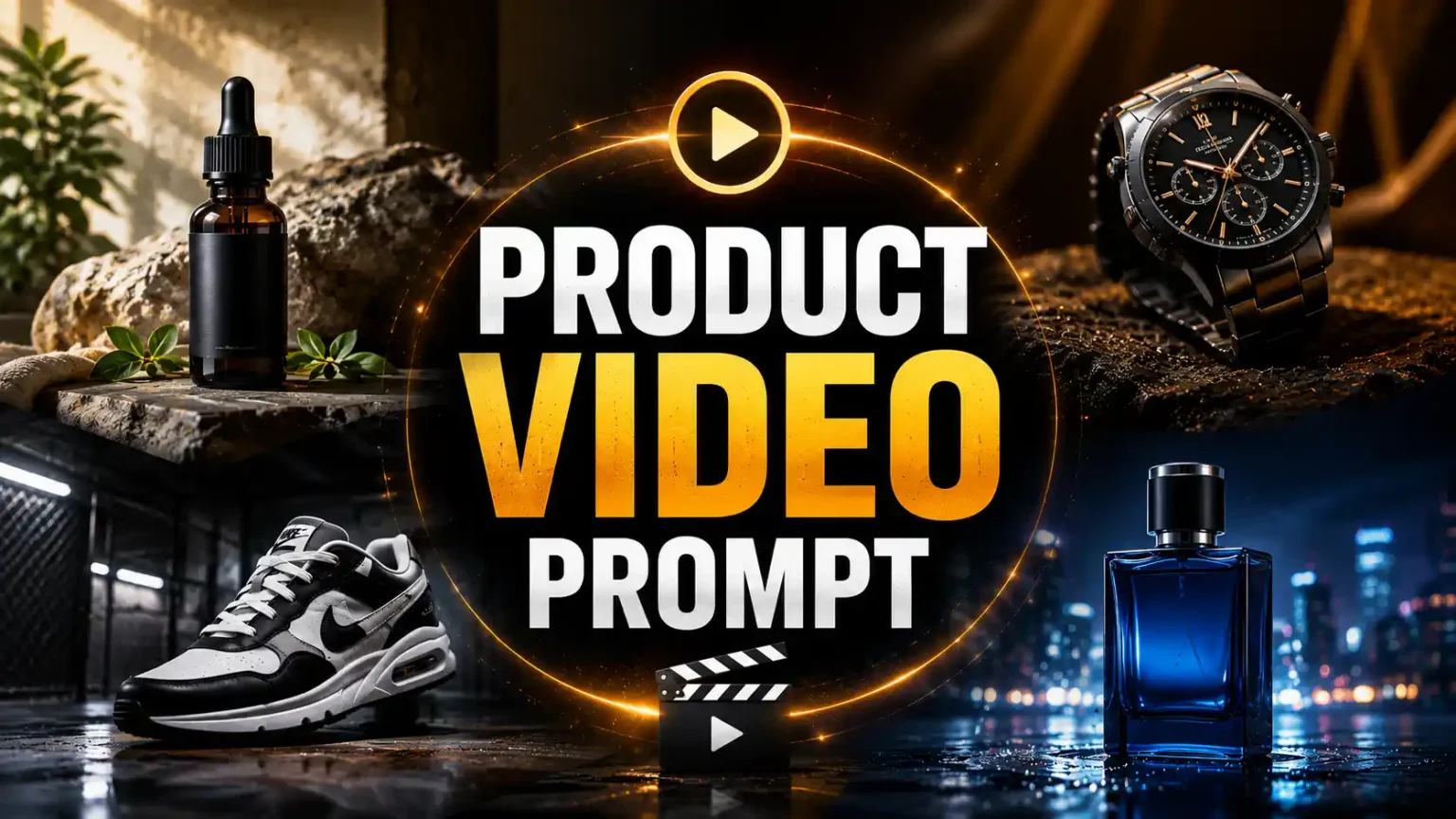
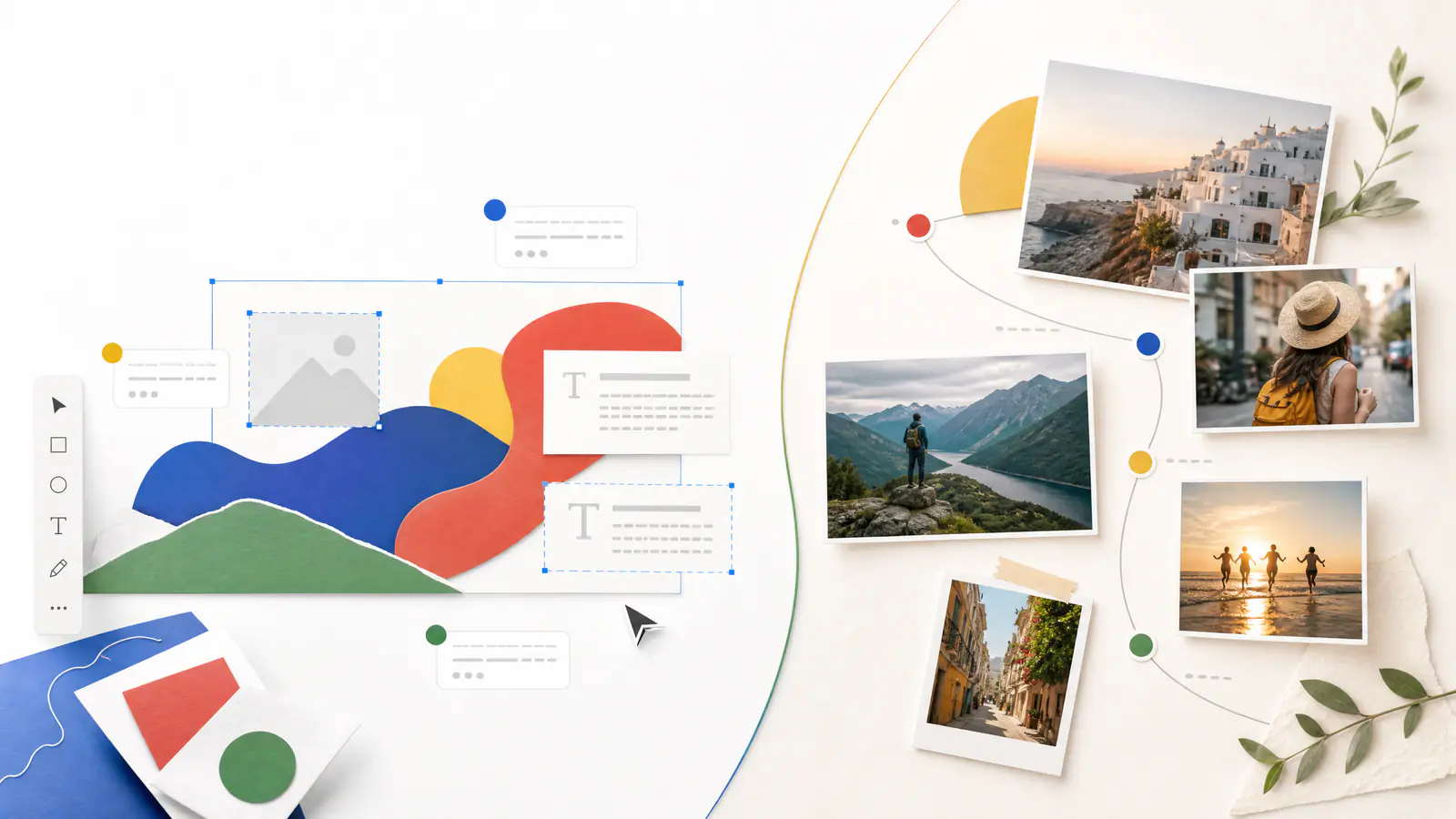
When subject, motion, camera, and lighting are expressed separately, a still product can be planned as a reusable moving scene instead of a one-off prompt.
Five places DeepSeek Harness workflows commonly get stuck
1. The task sounds clear to a person but has no acceptance criteria
“Make a premium product clip” is a creative direction, not an executable specification. It does not say what must remain unchanged, how the camera should move, or what the final composition needs to show. The agent is forced to fill in too many hidden decisions. When the output misses the mark, nobody can tell whether the problem came from the source image, the prompt, the model, or the camera choice.
A usable request separates subject constraints from motion instructions. Instead of writing, “Make the bottle float into frame,” define whether the bottle’s shape, label layout, and brand colors must remain intact; whether other objects are allowed; whether the camera should hold, push in, or orbit; and what the end frame must contain. Third-party prompt examples often organize a strong image-to-video instruction as subject + action/motion + camera style + lighting. That structure is easier for software to interpret and much easier for a team to revisit.
2. A successful tool call is mistaken for a successful creative result
A third-party video model returning completed means the job left the queue and produced a file. It does not mean the file is usable. The product may have changed proportions, text may be unreadable, hands or background objects may be broken, movement may look implausible, or the final frame may be unsuitable for the intended placement.
A generation therefore needs its own review gate. Begin with programmatic checks such as duration, aspect ratio, file availability, key-frame presence, and safety status. Then keep a human decision for issues that cannot be reduced to a technical state: whether brand details have drifted, whether the camera actually communicates the intended benefit, or whether the end frame is publishable. Treating review as a workflow step does not make an agent less efficient. It prevents a team from scaling incorrect creative output efficiently.
3. Camera direction is buried in a long prompt and cannot be compared
In image-to-video production, the most expensive revision is often not a stylistic failure. It is a movement failure. A brief intended to produce a gentle push-in turns into an abrupt zoom, or a product that should remain still drifts along with the background. This usually happens because camera language is buried among scene details, making it impossible to replace or test on its own.
Store camera_move as a separate field instead. It might be a controlled value such as static, slow_zoom_in, dolly_in, or orbit_right, which is then mapped to model-specific wording by a template. A team can test a different camera move without touching the first frame, subject lock, or lighting. More importantly, a failed result becomes diagnosable: did the camera instruction fail, or did the model fail to preserve the product?
Making camera movement an independently replaceable field prevents a one-line change from altering the entire shot unpredictably.
4. Plugin and version boundaries are left undefined
Composable architecture is DeepSeek Harness’s strength, but it also makes dependency management your responsibility. The project’s repository explicitly notes that it is in developer preview, is changing quickly, and will include compatibility-breaking changes. For a workflow that connects an external generation service, the risky choice is to scatter provider parameters, response fields, and business rules through agent prompts and multiple skills.
A safer design defines an internal image-to-video request and result contract. Harness works with those stable internal fields; an adapter is responsible for translating them into a particular provider’s request and response format. When a service changes, a plugin is updated, or a parameter is renamed, the adapter is the component that changes. A fixed test task can then verify that the same input still returns a previewable result and that failures still come back in a readable form.
5. Publishing is treated as the natural end of the tool chain
The final step is easy to overlook. Image-to-video output has more than visual-quality risk: it can involve asset permissions, likenesses, trademarks, sensitive claims, and use-specific restrictions. Even if every automatic check passes, public release should remain an explicit business action with a clear permission boundary, not the default side effect of a successful external tool call.
The DeepSeek Harness Web UI asks for approval where the active permission policy requires it. Apply the same principle to creative work: automation can prepare candidate clips; publication should require an explicit approval.
A small generation contract that is actually useful
Do not begin by building an autonomous system that moves from a brief to multi-platform publishing. First, make one six-to-ten-second single-shot product clip reliable. The structure below matters not because it has many fields, but because every field can be read by a human, validated by software, and replaced independently after a failure.
{
  "job_id": "launch-bottle-001",
  "first_frame": {
    "asset_id": "approved-packshot-v3",
    "subject_lock": "Preserve the bottle, label, primary colors, and proportions; do not add a second product."
  },
  "scene": {
    "intent": "Show the metal bottle surface and condensation.",
    "setting": "A dark studio with a clean background.",
    "lighting": "Cool rim light from the side and rear, with a soft key light."
  },
  "motion": {
    "subject_action": "The bottle stays stable while condensation forms slowly on the surface.",
    "camera_move": "dolly_in",
    "speed": "slow",
    "end_frame": "Front-facing and centered, with the label fully readable."
  },
  "output": {
    "aspect_ratio": "9:16",
    "duration_seconds": 8,
    "review_required": true
  }
}
This does not mean the final model prompt must be written as JSON. Its purpose is to let Harness know exactly what it is submitting before a tool call and what it must check after receiving a result. The raw fields, rendered prompt, service settings, generation job ID, and review decision should all be written to the same searchable record.

Structured specifications do not constrain creative work; they make sure each revision changes one identifiable variable.
Where Image to Video AI fits in the workflow
Only after the creative specification is approved should a team send the first frame, motion description, and output settings to an actual image-to-video service. For teams that need one place to upload a clear first frame, describe subject or camera movement, select available output settings, generate a result, preview it, and then download it, Image to Video AI can serve naturally as the generation-and-preview stage. It accepts JPG, PNG, and WebP source images and surfaces model-supported options such as aspect ratio, resolution, duration, or frame rate before the final preview.
One boundary is worth making explicit. This does not mean that DeepSeek Harness ships with an official Image to Video AI plugin, and it is not a recommendation to auto-publish results after integration. A more responsible implementation passes an approved generation contract through your own adapter or operator, translates the first-frame and motion fields into the service’s expected inputs, and writes the preview link and review verdict back to the Harness record. The generation service produces candidate clips; Harness makes the overall sequence orchestrated, explainable, and recoverable.
Review more than “is there a video?”
Once a clip is returned, the reviewer should work through four specific questions. This converts the vague reaction—“something feels off”—into an actionable result.
| Review question | What a pass means | Where to return after a failure |
|---|---|---|
| Does the subject hold up? | The packaging, primary colors, proportions, and critical readable details do not visibly drift | Source-image quality, subject constraint, model choice |
| Is the action single-purpose and readable? | The product action is not competing with background movement or effects | subject_action, scene complexity |
| Does the camera match the intent? | A push-in, pan, orbit, or other move serves the planned shot | camera_move, speed, camera template |
| Is the ending deliverable? | Final composition, duration, aspect ratio, and usage conditions are fit for release | end_frame, output settings, human editing |
This is why “generate ten versions and pick one” is not a workflow by itself. More candidates can be useful, but if none has a corresponding specification version and review outcome, the next attempt still depends on memory and guesswork. Record failures as states such as subject_drift, camera_mismatch, or end_frame_unusable, and the next agent iteration can respond to a specific condition rather than retry blindly.

“Generation completed” is a technical status. “Ready to deliver” is the end state of a creative workflow.
Start with one controlled, minimal path
If you are evaluating DeepSeek Harness, do not start by adding more tools. Pick a tightly constrained task instead: one approved product image, one camera move, one fixed aspect ratio, and one eight-second candidate clip. Wire together the specification, tool call, preview, human review, and recorded verdict before expanding the surface area.
Then add variation deliberately: a second camera move, a second scene, a shared review step, a library of approved assets, a batch queue, or a publishing integration. For every new layer, retain a task that can be run independently as a contract test. For basic setup, the DeepSeek Harness Web UI quick-start guide explains that a model and workspace must be configured before an agent can work through a session governed by the active permission policy.
The challenge with DeepSeek Harness is not simply whether the model is intelligent enough. The real dividing line is whether creative intent, tool execution, quality judgment, and publishing responsibility are visible as separate steps. When they are, an agent cannot mistake one lucky result for a repeatable system. And when a clip needs revision, the team finally knows what to change instead of starting from scratch.