
泡泡卡AI|AI印花提取工具
印花提取, 手机壳, 电商, AI图片处理, POD, AI抠图, 图片变高清, AI扩图, 商品图, 图片提取

Create and edit AI photos in your browser.
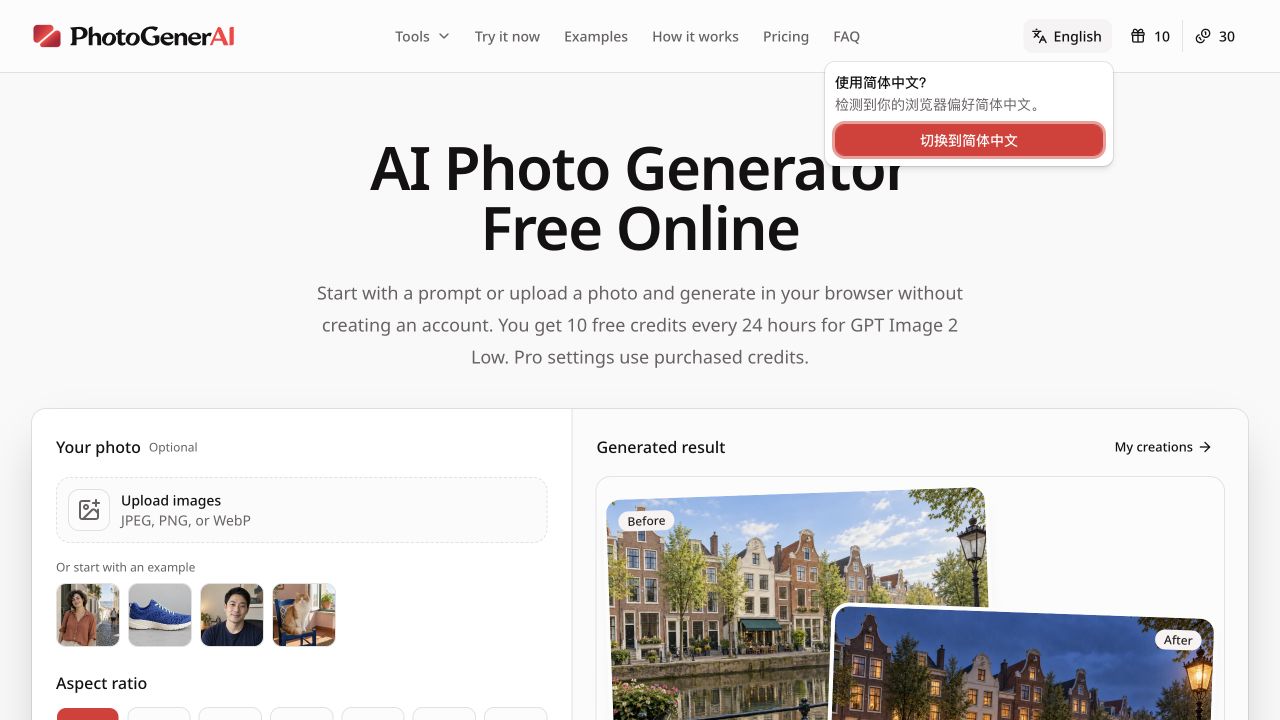
PhotoGenerAI is a browser-based AI photo generator and editor for turning text prompts and reference images into polished visuals. It is free to try without signing up, and it works in the browser on desktop and mobile. Users can generate original images, restyle or transform existing photos, remove or replace backgrounds, test an edit with up to ten uploaded images as references, and make targeted edits through a simple web workflow. The product is designed for creators, marketers, small businesses, and anyone who needs quick visual drafts without installing desktop software.
Upload a real product on a simple background and PhotoGenerAI renders it in a natural scene, ready for a listing or ad.
Photograph your space, describe a new layout or style, and compare furnished concepts before buying anything.
Write a text prompt for a poster, ad idea, or social visual, and refine the result until it fits.
Yes, with limits. Every 24 hours you get 10 free credits for GPT Image 2 Low generations. Higher quality settings and more requests require purchased credits.
No account is needed to start generating. Buying credits or managing a saved dashboard requires signing in.
Uploaded originals are not saved in history, and your content is not used to train its own AI models. Generated images, prompts, and settings are kept for 30 days.
Up to ten images can guide one edit. The first is the main image, and the others serve as visual references.
印花提取, 手机壳, 电商, AI图片处理, POD, AI抠图, 图片变高清, AI扩图, 商品图, 图片提取
Free AI watermark remover for images and video using inpainting.
Seamlessly add people to group photos using AI-powered editing.

A versatile AI image editor for retouching, removing watermarks, and adding people to photos seamlessly.

Browse trending AI photo editing prompts for Instagram-style portraits, posters, and cinematic edits.

AI Age Filter lets you instantly see younger or older versions of yourself with one click. Try realistic age transformations and share your future or past look…
Submit your product for free with a PickApps badge, or explore priority review and sponsored placement options. All submissions are reviewed.
Submit your product