
Vikas Editor AI
Your photo. A whole new story

Edit the text inside any image and let AI redraw it in the original style.
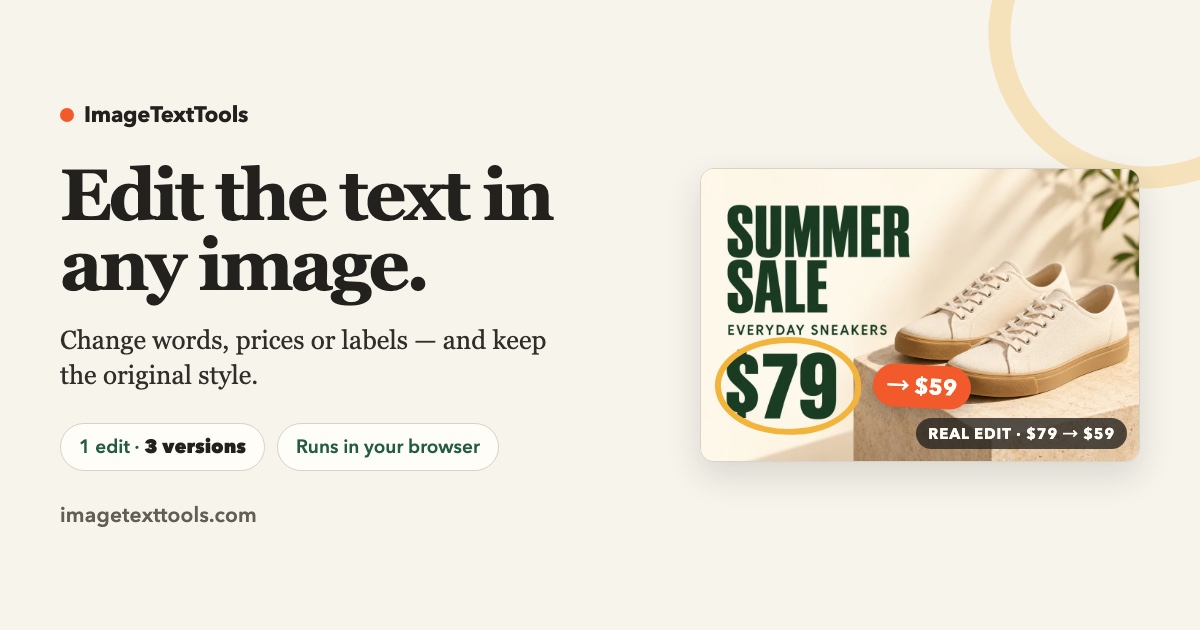
ImageTextTools changes the words inside a photograph that has already been flattened. You upload an image, the page finds the lines of text, you retype them, and the model redraws the area in a style that matches the original. It is aimed at the common case where a screenshot, a product mock-up, or a poster needs a corrected label and the original design file is long gone.
ImageTextTools suits ecommerce sellers fixing a label in a supplier photo, designers correcting a typo in an exported mock-up, and marketers localising text on an image that has no layered source.
The first edit on a device is free after sign-in. Paid packs are about US$4.99 for three credits, about US$7.99 for ten credits, and about US$14.99 for thirty credits, with each credit covering one HD result. Purchases are one-time, credits never expire, and payment is processed by the listed merchant of record.
No. The model redraws the text to look similar rather than matching a named typeface. Close matches usually hold up at normal viewing sizes.
The tool replaces existing text. It is not a text-eraser and it does not add new text boxes to empty regions, so a caption in the middle of a photo is out of scope.
Your photo. A whole new story

AI-powered gender swap photo transformation

Create and edit AI photos in your browser.

印花提取, 手机壳, 电商, AI图片处理, POD, AI抠图, 图片变高清, AI扩图, 商品图, 图片提取
Free AI watermark remover for images and video using inpainting.

Seamlessly add people to group photos using AI-powered editing.
Submit your product for free with a PickApps badge, or explore priority review and sponsored placement options. All submissions are reviewed.
Submit your product