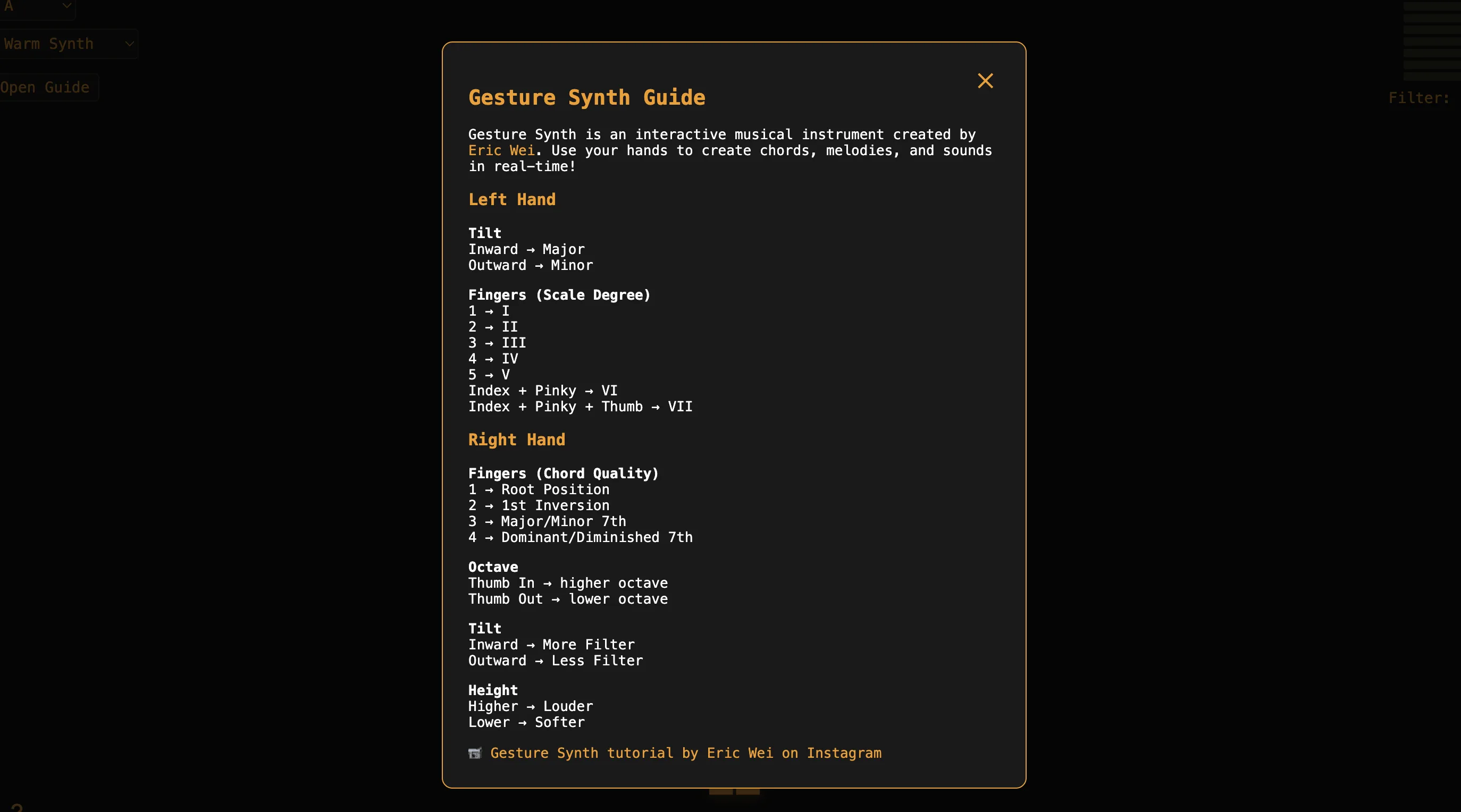
Gesture Synth
Play chords and melodies in real time with webcam-tracked hand gestures.
Shape custom notification sounds with AI
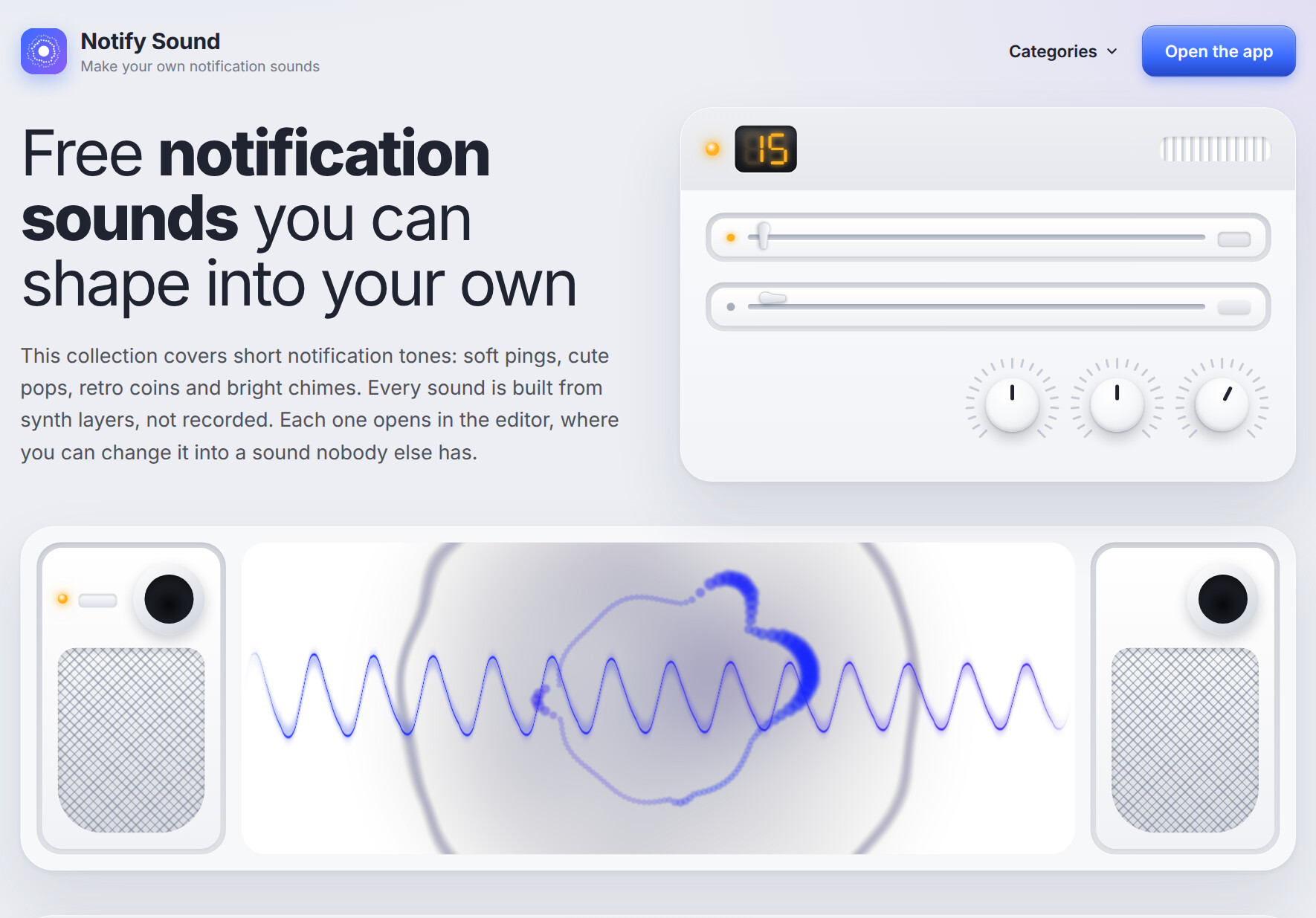
Notify Sound is a free browser tool for creating and shaping custom notification sounds, text tones, and ringtones. It starts from a library of more than 200 ready-made tones and opens each one in an editor where you can change it. Every sound is built from synthesised layers rather than recorded samples, so the collection is described as royalty-free. No account is needed to open the editor.
Give individual apps their own sound. On Android, a soft ping can mark Slack messages while a coin sound marks WhatsApp.
Because the tones are synthesised from scratch, they are free to use with credit. A ding can mark a correct answer and a whoosh can cover a cut.
Notify Sound is free to use. Its sounds are shared under the CC BY 4.0 licence, so you can use them commercially as long as you credit Notify Sound, and no account is required to open the editor.
No. You can open the editor and download a sound without signing in.
Sounds download as MP3 files that work in apps, games, and video editors, and as notification sounds or ringtones on mobile devices.
Yes. Notify Sound runs an MCP server that Claude, ChatGPT, Cursor, and VS Code can connect to. The assistant designs the layers and returns a link that opens the sound in the editor.
Play chords and melodies in real time with webcam-tracked hand gestures.
21 AI music tools in one platform. Create complete songs, rap tracks, lyrics, and covers with AI. Free to start, powered by Suno V5.

Overtune equips you with the tools you need to make songs and short-form music content in only a few minutes.

Turn any photo into its own soundtrack with AI.
Submit your product for free with a PickApps badge, or explore priority review and sponsored placement options. All submissions are reviewed.
Submit your product