
Cross Stitch Tool
Free cross stitch pattern maker: photo or text to a chart
Compress photos, signatures and PDFs to an exact KB size
MB to KB Converter is a free browser tool that shrinks photos to an exact file size in KB. It is built for people who need to meet the upload limit printed on an online application form. You type a target such as 20, 50, 100, or 200 KB, and the tool finds the highest image quality that still fits under that limit.
Forms that print a photo size limit can be met by setting a target a little under that limit. If the form also asks for a pixel size, set the width and height so the file budget goes to the right crop.
The converter is free. The site states that there is no account, no payment, and no upload to a server. Compression runs in your browser, and the page keeps working offline after it loads.
Both systems are in use. The tool defaults to strict mode, where a 50 KB target means 50,000 bytes. The result card shows the raw byte count with both readings, so you can compare it with the form.
A very small KB budget cannot hold a large, sharp photo. Once quality is already low, the tool reduces the pixel size to fit the limit. Pick the largest KB value the form allows.
Size is only one check. A form can also refuse a file with the wrong pixel size, the wrong format, a file name with spaces or symbols, or a size below its minimum. The tool can set exact pixel sizes, save as JPG, and keep a minimum size.
Free cross stitch pattern maker: photo or text to a chart

Estimate the real cost of self-hosting an AI model, line by line.

Calculate Your Take-Home Pay After Taxes

Calculate Thai 60/40 campaign contribution amounts.
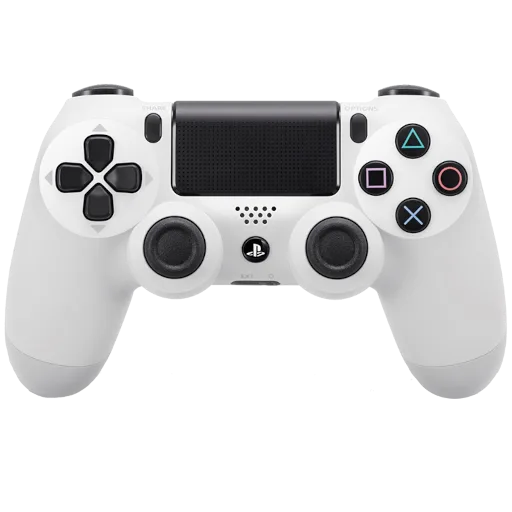
Calibrate supported PlayStation controllers from the browser.
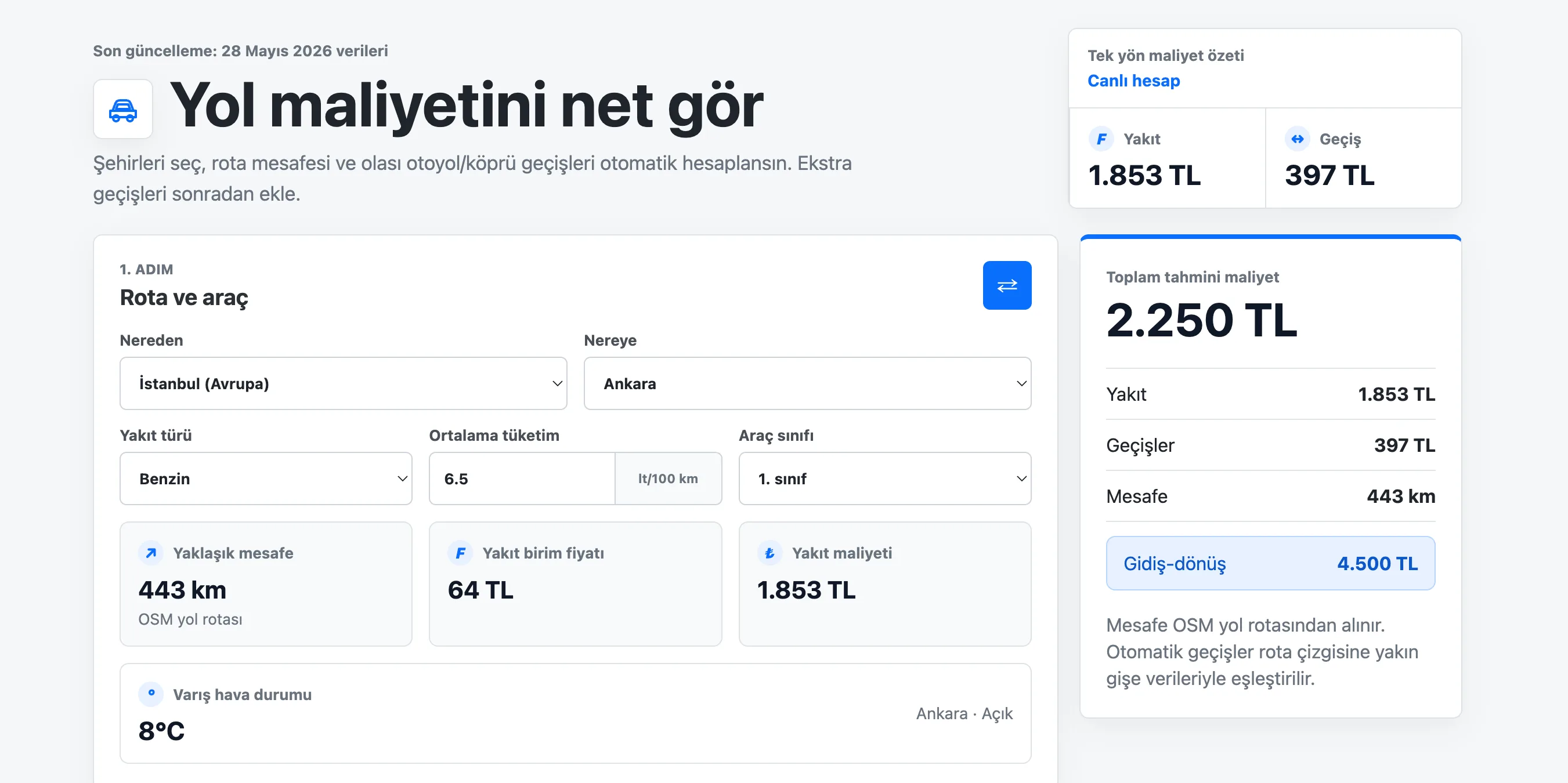
Calculate Turkish route fuel, toll, bridge, and round-trip travel costs.
Submit your product for free with a PickApps badge, or explore priority review and sponsored placement options. All submissions are reviewed.
Submit your product