MB to KB Converter
Compress photos, signatures and PDFs to an exact KB size
Free cross stitch pattern maker: photo or text to a chart
Cross Stitch Tool is a free browser-based pattern maker for people who stitch. It turns a photo or a name into a printable cross stitch chart with symbols, floss numbers, and a skein list. The site also includes tools for needlepoint charts, pixel art, text, and printable graph paper, so it covers both photo projects and lettering samplers.
There is no sign-up and no watermark. The chart can be downloaded as a multi-page PDF, a PNG, or a floss list.
A photo with one clear subject and good light works best. The site's guide suggests at least 100 stitches across for a portrait that looks like the person.
Cross Stitch Tool is free. Making patterns, downloading the PDF, the PNG, and the floss list all cost nothing. The site notes that a paid, print-ready PDF is not available yet, and the free PDF is complete.
For most photos, 15 to 30 colors give a good likeness. Logos, text, and cartoons usually need only 2 to 10 colors. Turn on confetti cleanup if the preview shows many single stitches of one color.
Finished size is the stitch count divided by the stitches per inch of your fabric. For example, 140 stitches on 14-count Aida is 10 inches. The tool shows the finished size live as you change settings.
Compress photos, signatures and PDFs to an exact KB size

Estimate the real cost of self-hosting an AI model, line by line.
Calculate Your Take-Home Pay After Taxes

Calculate Thai 60/40 campaign contribution amounts.
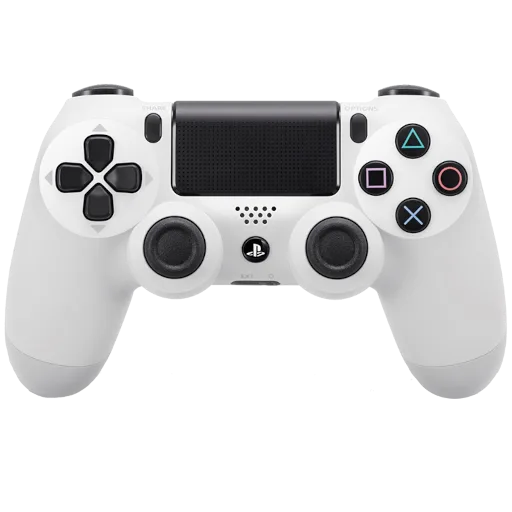
Calibrate supported PlayStation controllers from the browser.
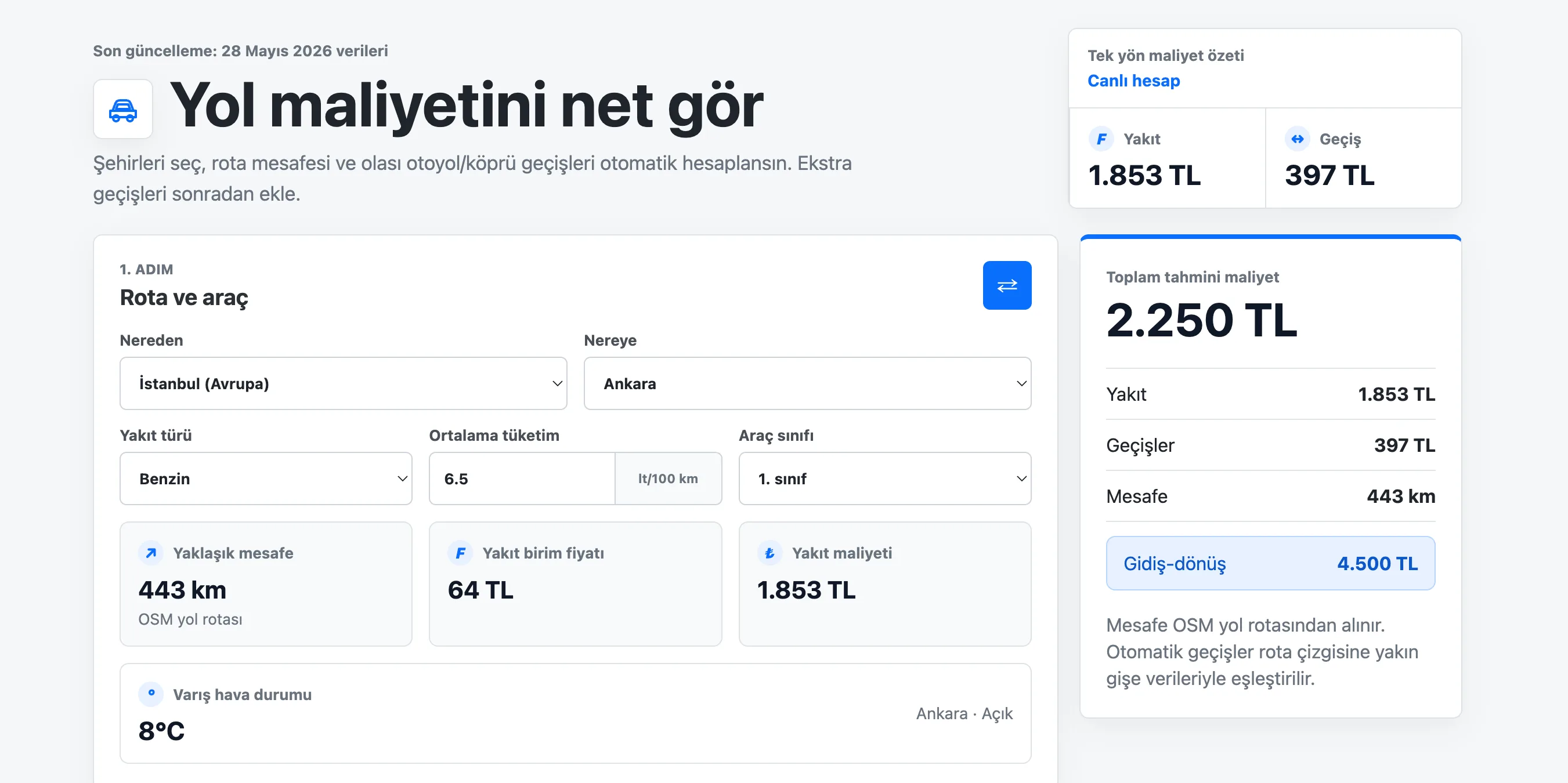
Calculate Turkish route fuel, toll, bridge, and round-trip travel costs.
Submit your product for free with a PickApps badge, or explore priority review and sponsored placement options. All submissions are reviewed.
Submit your product