
Quotelyo
Free Financial Calculators Online

Free invoice generator with live preview and PDF export
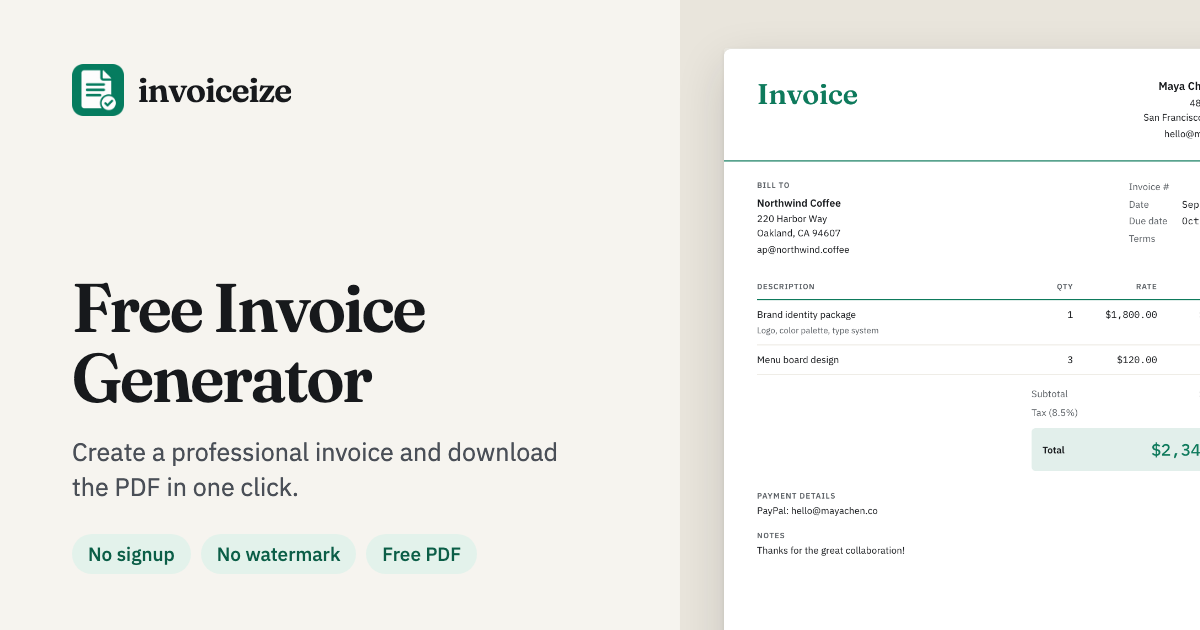
Invoiceize is a browser-based generator for invoices, quotes, and receipts. You fill in a form, watch a live preview update, and download a finished PDF without creating an account or accepting a watermark. Drafts stay in the browser until you clear them, so a single freelancer can bill a client in a few minutes and a small team can keep a consistent document style across brands.
Invoiceize fits freelancers, consultants, and small agencies that bill clients occasionally and do not want another subscription.
The generator is free to use. You can create and download invoices, quotes, and receipts without a signup, and no watermark is added. Cloud sync is optional and tied to an account. There is no per-document charge and no trial countdown.
No. You can complete a document and download it in the same session. An account is only useful for keeping drafts across devices.
Documents are kept in your browser local storage by default. If you sign in and enable sync, drafts are stored with your account so they open on other devices.
Yes. Upload a logo in PNG, JPG, or SVG, then set the accent colour and heading font in the same panel. The Brand Kit remembers the setup.
Free Financial Calculators Online

Free online bank statement to Excel & CSV converter — no sign-up

Select a broker, currency pair, and expiry window to request trading signals.

Agentic bookkeeping for real-time categorization and multi-entity reporting.

AI tax research, document analysis, writing, and workflow tools for firms.

Helping financial professionals uncover what others miss, protect margins, and make smarter decisions across the business.
Submit your product for free with a PickApps badge, or explore priority review and sponsored placement options. All submissions are reviewed.
Submit your product