
SnapVivid
Turn any image into cinematic motion in minutes.

Animate images and prompts into AI videos with multi-model creative controls.
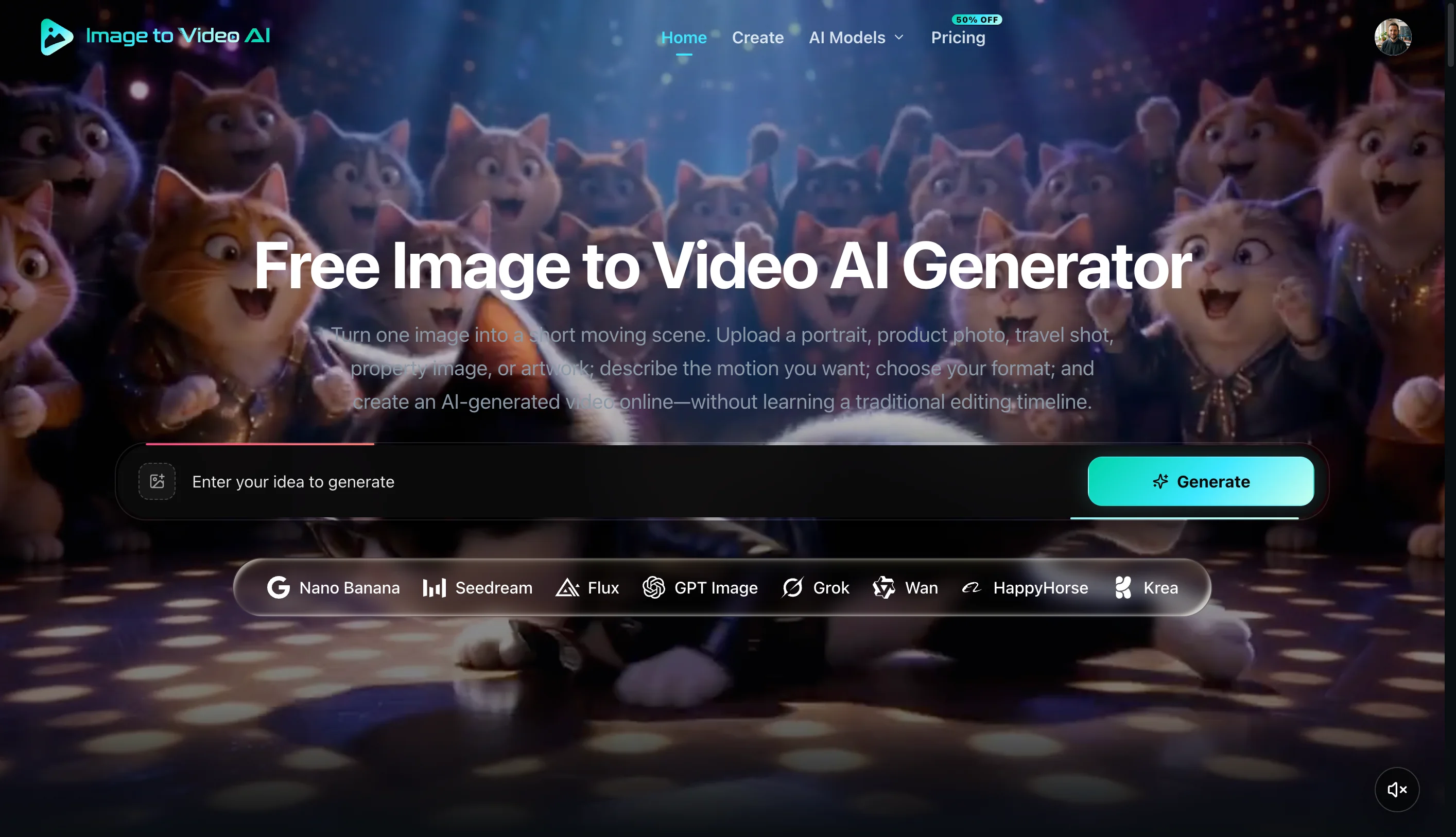
Image to Video AI is an online creative workspace for generating videos from still images, text prompts, start and end frames, or visual references. It also includes image generation and editing, so creators can prepare a source image and animate it from the same workspace.
Upload a portrait, product photo, artwork, or other still image, describe the intended motion, choose a compatible model, and generate a video based on that source frame.
Text-to-video starts from a written scene and motion prompt. Frames-to-video connects supplied start and end frames, while reference-to-video uses uploaded visuals to guide the generated clip.
The same workspace can create images from text or transform an uploaded image. These tools are useful for preparing character, product, composition, or style references before video generation.
Available settings depend on the selected model. They can include aspect ratio, resolution, duration, frame rate, prompt controls, reference images, and start or end frames. Generated images and videos can be previewed and downloaded from the workspace.
Generation requires an account and uses credits. The official site currently offers a first video for free, while paid plans provide additional credits for continued image and video creation.
Turn any image into cinematic motion in minutes.

AI real estate video maker for property marketing

Produce professional-grade cinematic videos with synchronized audio in seconds.

Create faceless short and long-form videos with AI.
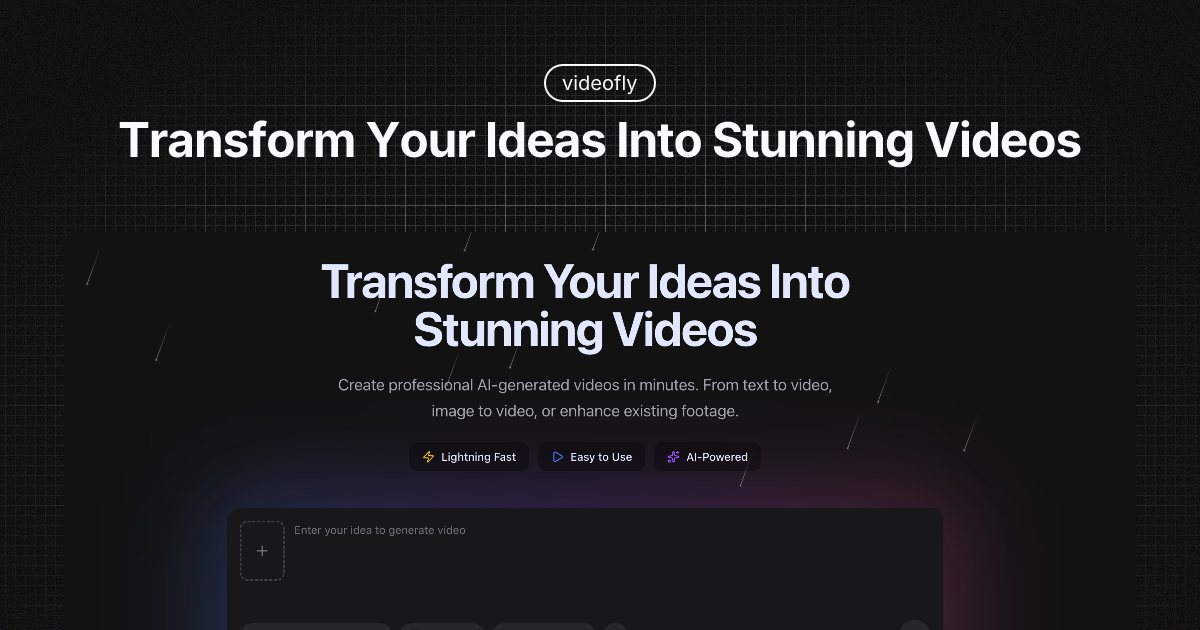
Create AI videos from text and images with professional video models like Sora, Veo, Wan, and Seedance. Text-to-video and image-to-video generation.

AI image and video creative workspace
Submit your product for free with a PickApps badge, or explore priority review and sponsored placement options. All submissions are reviewed.
Submit your product