Genjutsu
Turn text and images into cinematic AI videos

AI music and video creation tools
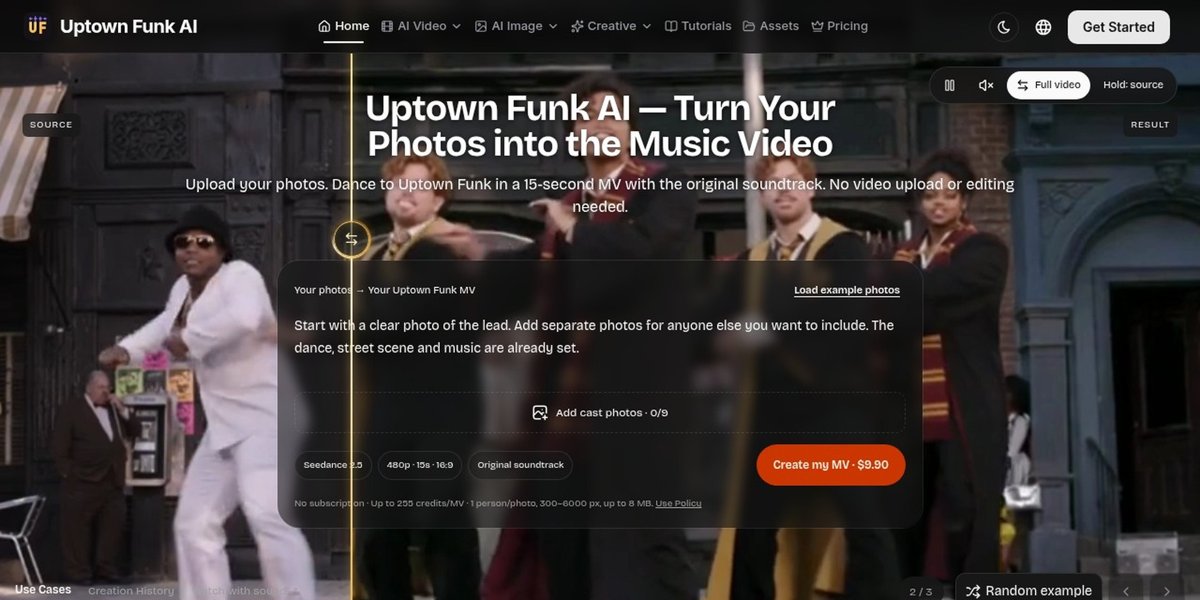
Uptown Funk AI turns a portrait into a short dance video set to the Uptown Funk soundtrack. The scene, camera move, and choreography are fixed, so the only input is a set of photos. It is a single-purpose tool: one template, one output format, and a price per finished clip rather than a subscription.
Uptown Funk AI suits social creators who want a specific trend clip without editing, teams making a themed video for an event or a group chat, and anyone who needs a fun short clip from a photo they already have.
A single music video is available as a one-time purchase of about US$9.90, which grants 255 credits and reserves up to that amount for the render. Credit packs start at about US$39.90 for 800 credits and scale for heavier use. Credits are bought once, do not renew automatically, and do not expire.
Only with their permission to animate the photo and to share the result. The upload flow asks you to confirm this.
No. The template is fixed. Different music or choreography would require a different template or a general video model.
Turn text and images into cinematic AI videos

Create solo or duo rap videos from portrait photos, with vocals and music.
Create AI rap videos from photos and ideas
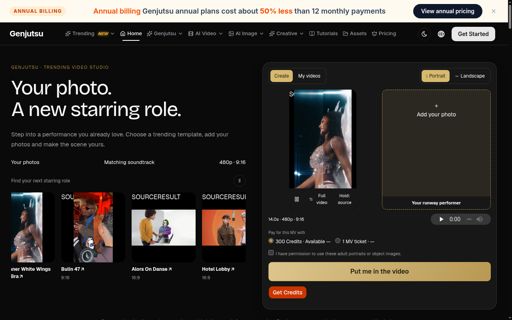
Put your photos into trending dance and runway videos
Turn text and images into short AI videos

One idea, every model, one finished video
Submit your product for free with a PickApps badge, or explore priority review and sponsored placement options. All submissions are reviewed.
Submit your product