ArtCraft
Creative studio for images, video and 3D

All-in-one AI image and video generator in your browser
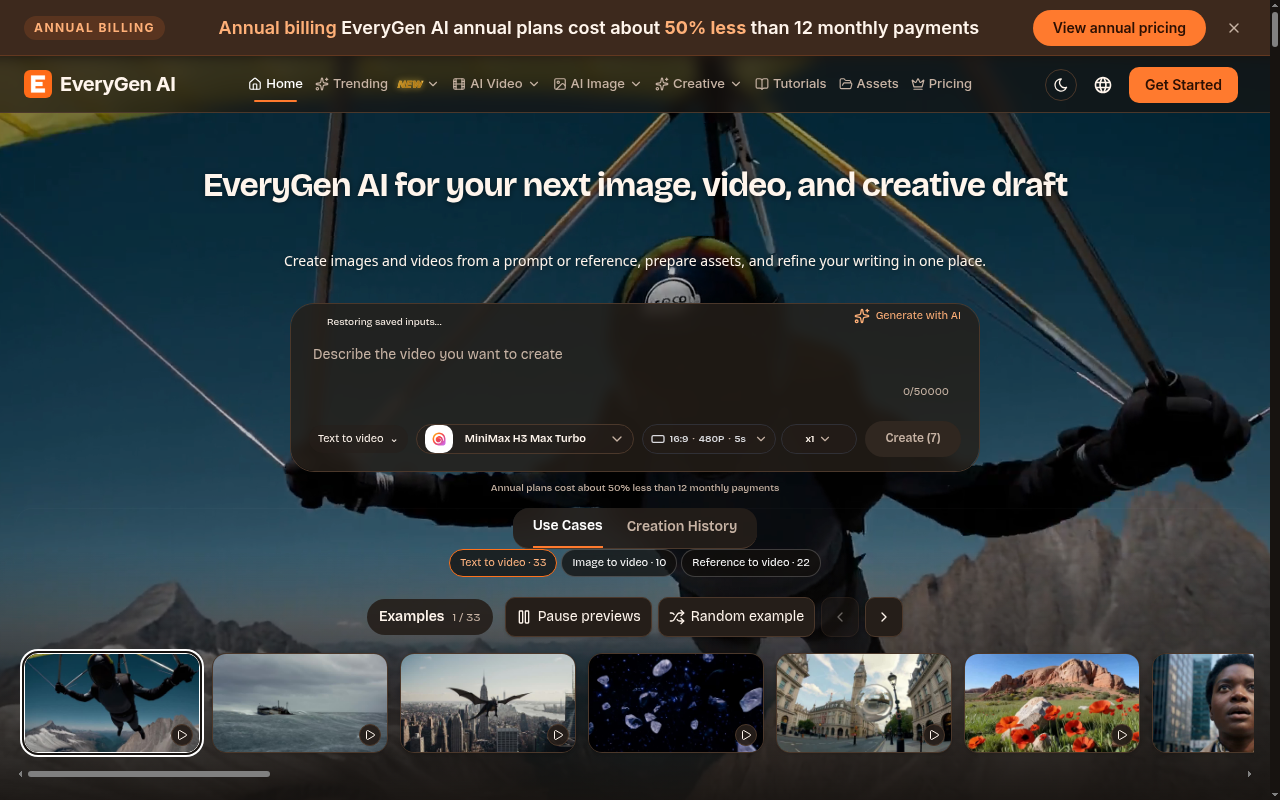
EveryGen AI is a multi-model creative workspace that bundles video generation, image generation, browser image utilities, and text rewriting on one site. Instead of betting on a single model, it routes requests to whichever provider fits the task, so you can compare a MiniMax clip against a Seedance clip without moving files between tools.
EveryGen AI suits creators who want several model families behind one login, marketers producing both stills and clips for a campaign, and small teams that need quick image chores and copy edits without installing software.
Plans are billed yearly with monthly credits. Lite is about US$179 per year with 600 credits per month. Standard is about US$299 per year with 1,500 credits per month. Pro is about US$599 per year with 3,600 credits per month. Max is about US$1,199 per year with 8,000 credits per month. Credit consumption varies by model and resolution, and the quote appears before you generate.
Monthly credits refresh on the billing cycle. Unused credits from a month are not guaranteed to roll over, so plan larger jobs around a fresh cycle.
Creative studio for images, video and 3D

AI Image & Video Generator

AI image and video creation in one studio

Photograph any room and watch it transform — 30+ AI design styles from a single

Transform any room photo into a stunning AI redesign in seconds

AI toolkit for image and video generation
Submit your product for free with a PickApps badge, or explore priority review and sponsored placement options. All submissions are reviewed.
Submit your product