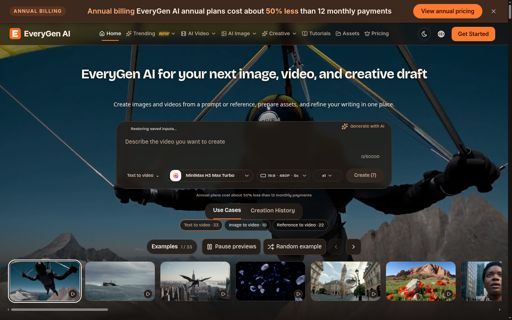
EveryGen AI
All-in-one AI image and video generator in your browser
Creative studio for images, video and 3D
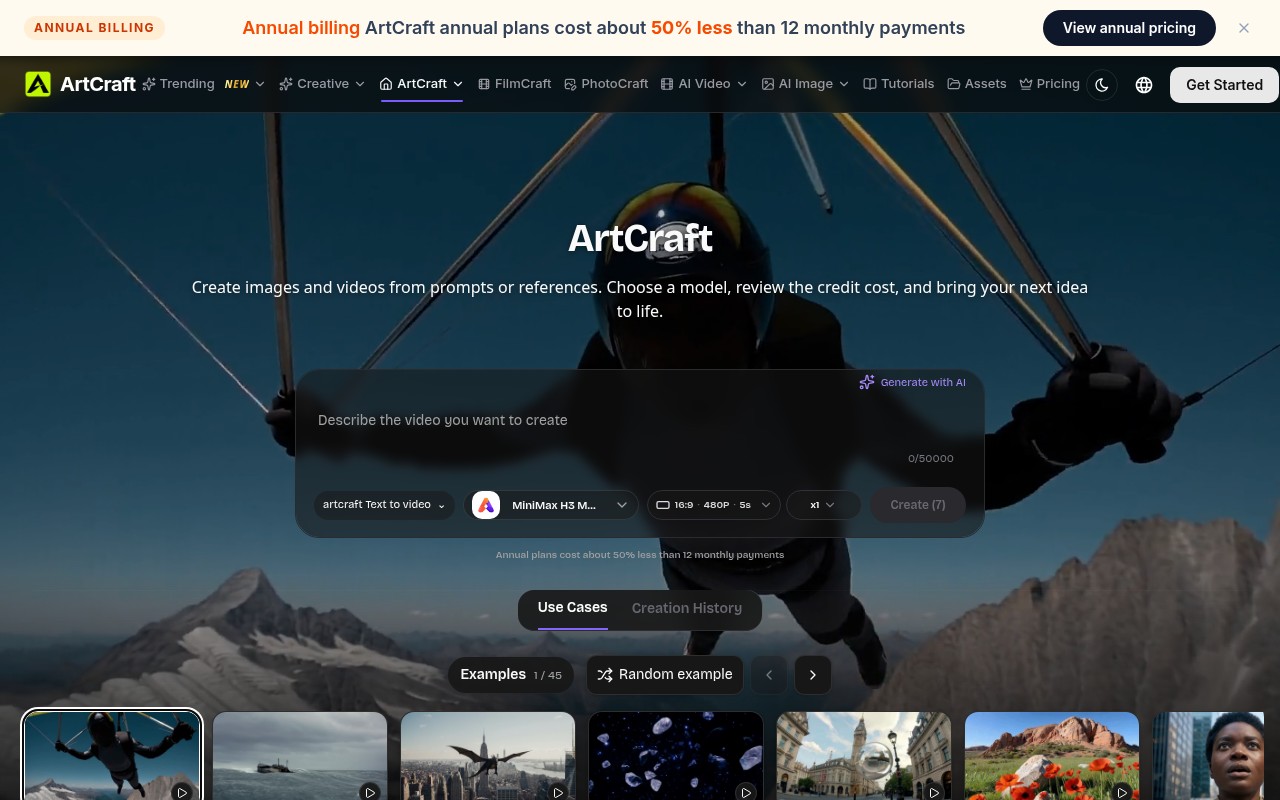
ArtCraft is a browser studio that mixes classic image editing with generative AI and lightweight 3D work. It runs as an open-source project, so the editing engine can be inspected and self-hosted, while the hosted version adds paid model access. You can composite layers, cut out a subject, block a scene in 3D, animate a character, and hand the result to a video generator without leaving the same canvas.
ArtCraft suits designers who want generative tools without leaving an editable canvas, illustrators building moodboards and character sheets, and small studios that need quick 3D blocking before a render.
Local editing and project management are free. AI operations draw on a credit balance. The Lite plan is about US$14.92 per month when billed yearly at US$179 and includes 600 credits each month. Standard is about US$24.92 per month on a US$299 yearly plan with 1,500 credits. Pro is about US$49.92 per month on a US$599 yearly plan with 3,600 credits. Max is about US$99.92 per month on a US$1,199 yearly plan with 8,000 credits. Monthly billing is also offered at a higher rate.
No. The hosted version runs in the browser and sends model work to remote providers. Self-hosting the open-source editor only covers the manual editing tools.
All-in-one AI image and video generator in your browser

AI Image & Video Generator
AI image and video creation in one studio

Photograph any room and watch it transform — 30+ AI design styles from a single
Transform any room photo into a stunning AI redesign in seconds

AI toolkit for image and video generation
Submit your product for free with a PickApps badge, or explore priority review and sponsored placement options. All submissions are reviewed.
Submit your product