Genjutsu
Turn text and images into cinematic AI videos
AI tool site for creators
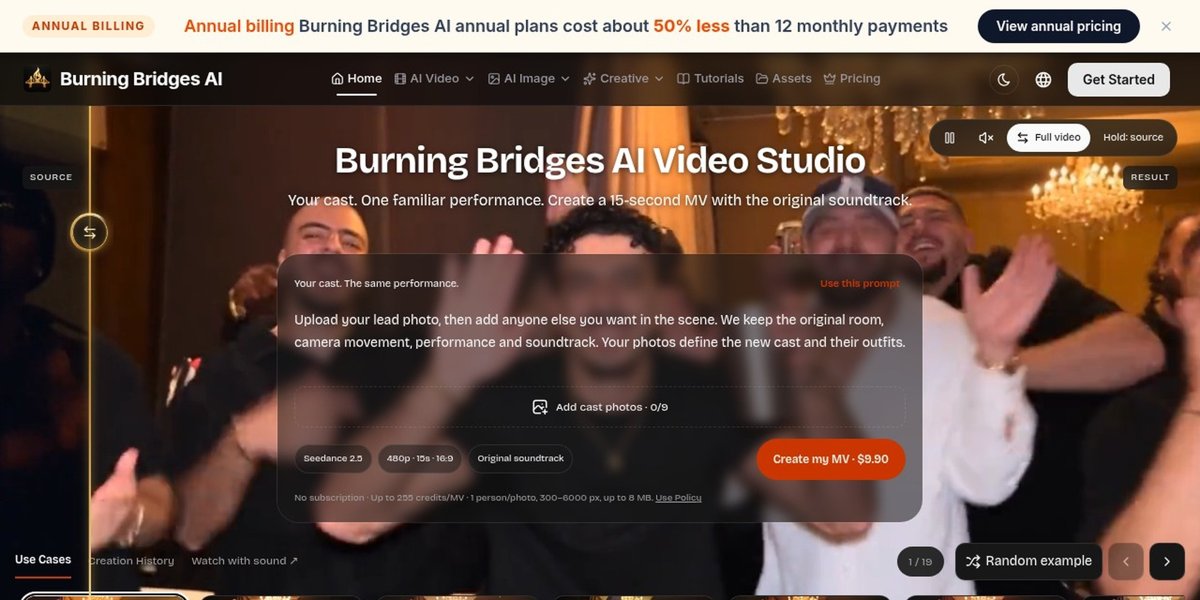
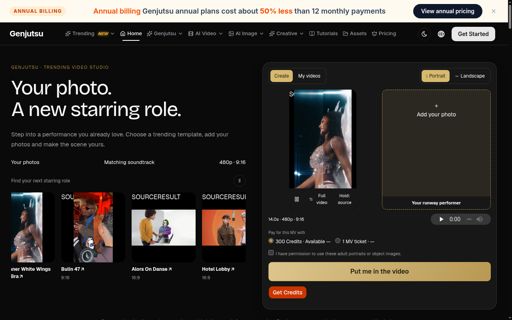
Burning Bridges AI is a themed video studio built on the Genjutsu API. It focuses on the Burning Bridges party trend: you upload a handful of portraits, and the studio casts them into a short recreated music video. A second set of tools handles general remixing, so the same workspace covers both the fixed trend clip and free-form transformations.
Burning Bridges AI suits creators who want to join a specific trend without learning a video editor, hosts making themed intros for a group chat or a party, and small brands producing a trend-aware clip for social channels.
Credit packs start at about US$39.90 for 800 credits, with larger packs available for heavier use. A single trend render is priced in the low hundreds of credits and the exact amount is shown before you start. Credits are bought once and do not renew automatically. Failed renders return their reservation.
Up to nine. Use one clear, well-lit portrait per person, facing the camera, with the face unobstructed. Fewer photos means fewer cast members appear.
No. It is an independent tool inspired by a trend. It is not affiliated with the artist or the label, and the scene is recreated rather than licensed.
Turn text and images into cinematic AI videos

AI music and video creation tools

Create solo or duo rap videos from portrait photos, with vocals and music.

Create AI rap videos from photos and ideas
Put your photos into trending dance and runway videos

Turn text and images into short AI videos
Submit your product for free with a PickApps badge, or explore priority review and sponsored placement options. All submissions are reviewed.
Submit your product