
Clarami AI
Research writing workspace connecting drafts, sources, citations, and AI.

Discover AI products picked for builders.
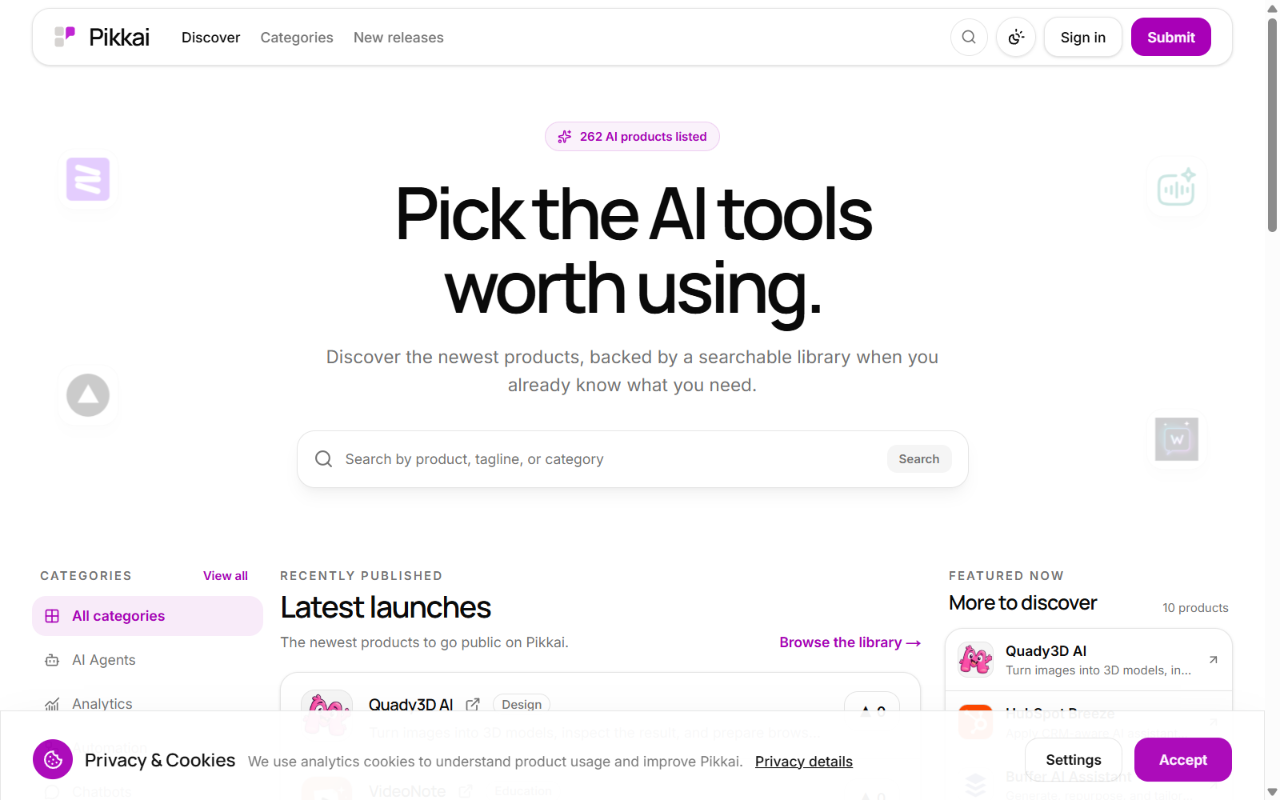
Pikkai is a curated directory for people who are tired of hunting through launch feeds to find an AI tool that does the job. It gathers a few hundred AI products in one searchable library, groups them into practical categories, and keeps a live feed of the newest arrivals. Every listing is submitted by a maker or a user and passes an editorial check before it appears, so the library stays small enough to browse and specific enough to trust.
Pikkai suits founders and operators who need to solve a specific problem this week and do not want to read forty launch threads to find one relevant tool.
Browsing, searching, reading listings, and upvoting are free. Submitting a product has two options. The free submission costs nothing and requires the product to publish a public link back to Pikkai before the listing goes live. The paid submission is a one-time US$5 charge that skips the link requirement. The fee does not buy placement, ranking, acceptance, or indexing. It covers the review work only. A short voluntary refund window exists for accidental duplicate purchases.
No. Paid and free submissions go through the same editorial check. Payment covers the cost of reviewing the listing, not the outcome.
Submit your product for free with a PickApps badge, or explore priority review and sponsored placement options. All submissions are reviewed.
Submit your product