PatternFable
Free to turn photos into editable cross stitch charts with DMC colors and PDFs
Convert images into Unicode braille dots or block art and edit the result in a browser-based grid.
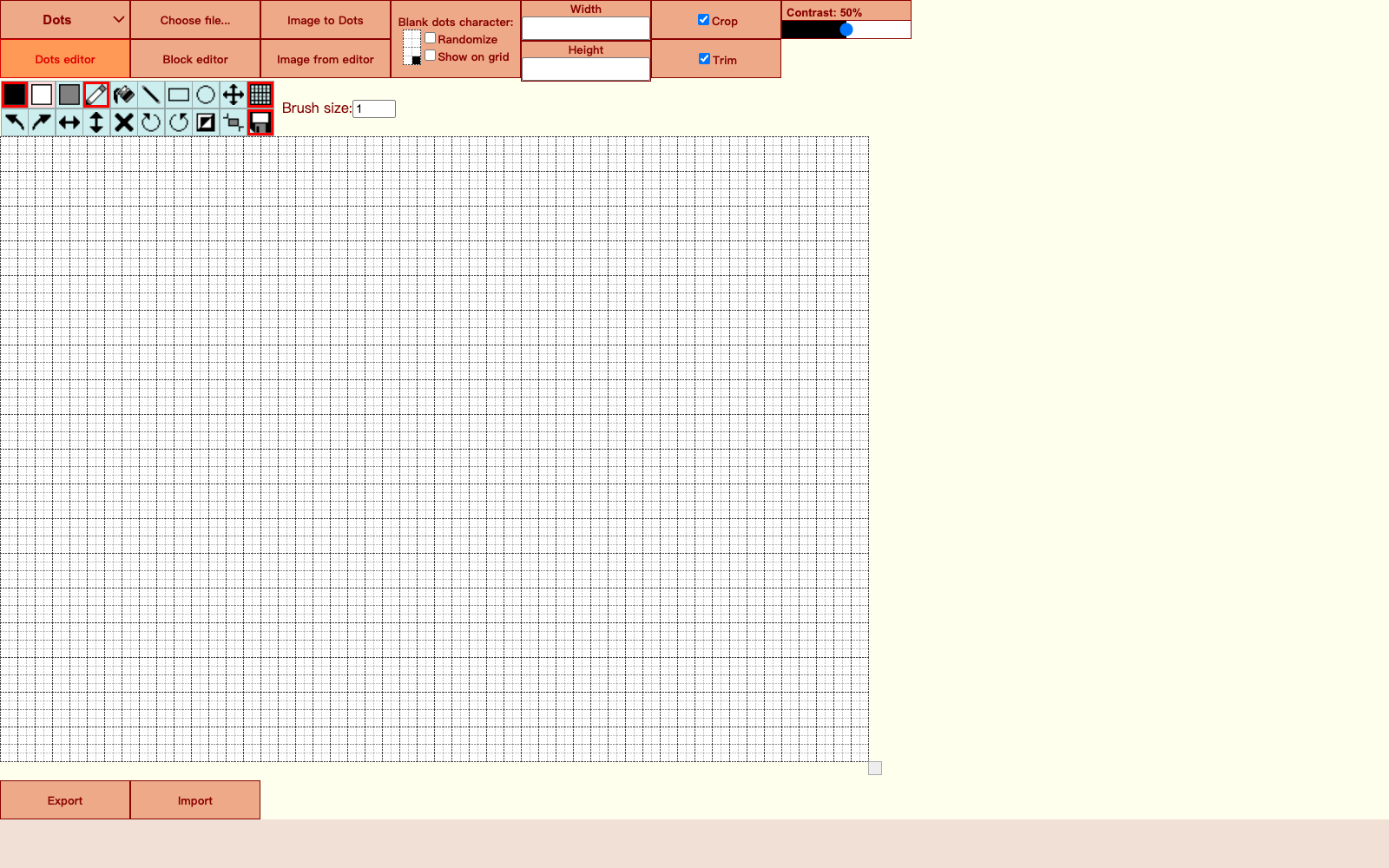
Dots Converter is a browser-based utility for turning small images into Unicode art. It can convert pictures into braille pattern characters, full block symbols, or half block symbols, then lets users edit the output on a grid before copying or exporting the result. The tool is especially useful when a user wants text-based artwork that can be pasted into chat, plain text documents, code comments, profiles, or other places where images are not supported.
The official public page does not list paid plans, subscriptions, or a pricing page. Pricing is not publicly listed on the official site; the tool is directly accessible in the browser from the GitHub Pages URL.
Dots Converter focuses on practical Unicode art conversion rather than general image editing. The combination of image conversion, block and braille modes, crop and trim controls, contrast adjustment, and an editable grid makes it more useful than a simple one-click converter.
Free to turn photos into editable cross stitch charts with DMC colors and PDFs
Create a text logo, wordmark logo, or typography logo in minutes

Create Beautiful Cursive Text Online — Free, Instant & Copy-Paste Ready
Cursive Generators is a free online cursive text generator that helps users cre.
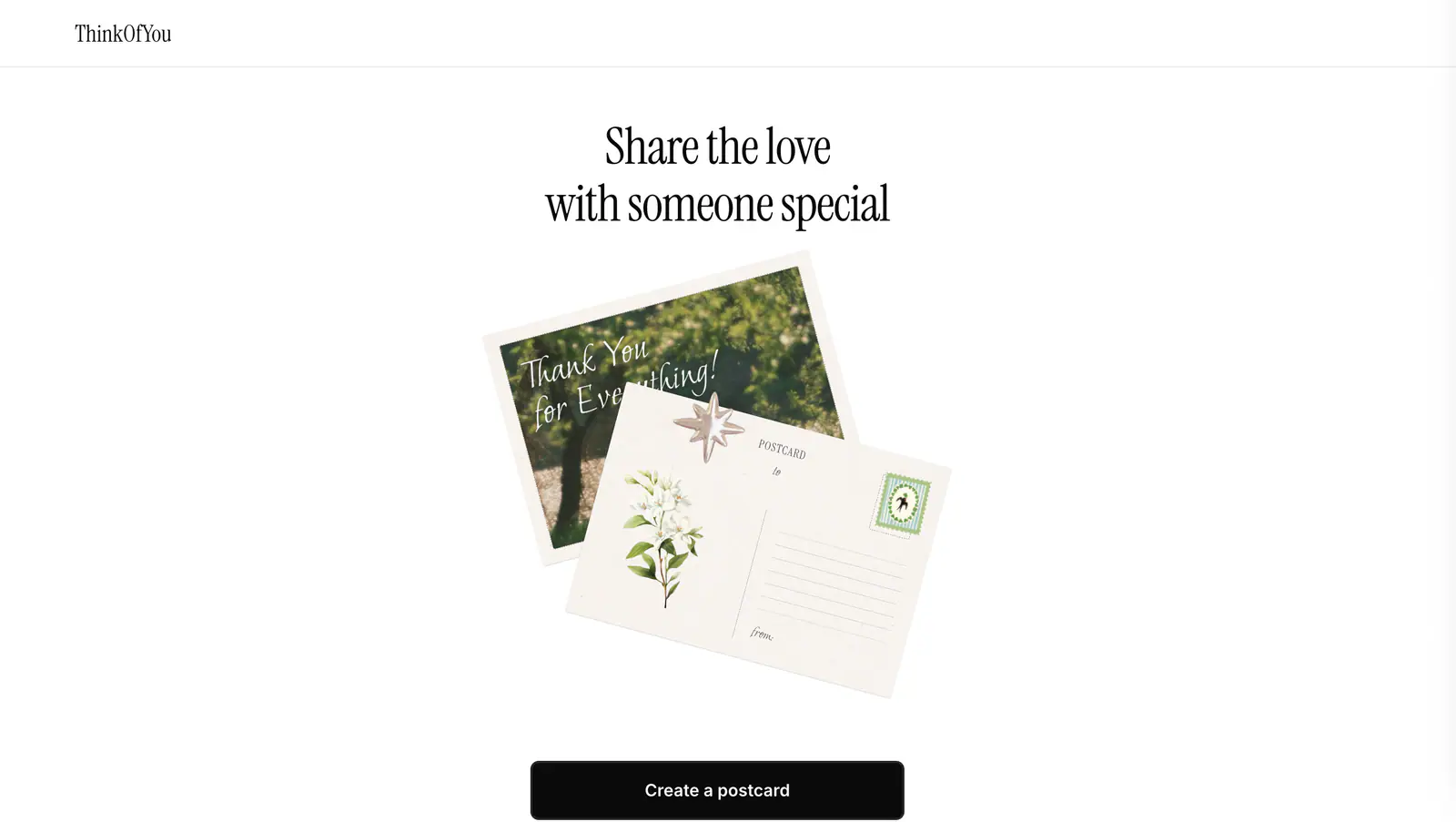
Create a shareable digital postcard with the Think of You Vercel app.
Free browser tools for converting images into Minecraft skins, previewing skin files, and switching between Slim and Classic arm models.
Submit your product for free with a PickApps badge, or explore priority review and sponsored placement options. All submissions are reviewed.
Submit your product