
Rumpelstiltskin AI
Turn imagination into fairytale motion

Turn one portrait photo into a 23-second AI party video
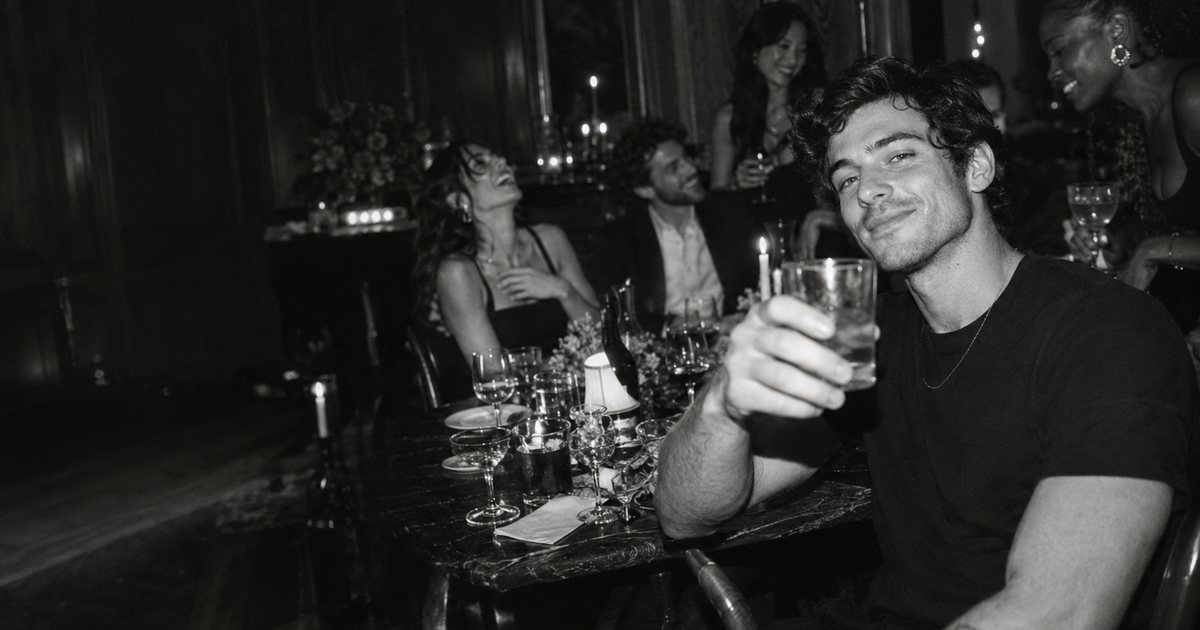
Burning Bridges Studio is an online AI video generator that turns one portrait photo into a 23-second party video. The uploaded photo guides the lead person's appearance, including hair and clothing, while a fixed reference clip guides the gestures, timing, pace, and camera movement. The result is a landscape clip with sound that can be reviewed and downloaded after generation. It is built for people who want a short, shareable video based on their own photo rather than an open-ended video editor.
Make a short party clip from a portrait for a social feed, then add your own caption before sharing it.
You can watch the examples and read the photo guide for free, but generating your own video requires a paid credit.
Use a clear solo portrait with the face visible and no sunglasses. A chest-up shot with room for hand movement works best; avoid group photos, heavy filters, and very dark or blurry images.
The current download is a 16:9 landscape MP4, and there is no vertical export. You can crop it in an editor, but a narrow crop may cut people or gestures out of frame.
No. The creation rules prohibit face swaps even with consent. The permitted uses are photo animation and reference-guided motion.
Turn imagination into fairytale motion
Turn two photos into a viral 21-second Smalltown Boy dance video

Create funny talking-fruit videos from your ideas with AI.

Turn your imagination into motion.

Two Faces. One Mic. Endless Chemistry.
Create a vertical AI rap duo video from two separate portraits.
Submit your product for free with a PickApps badge, or explore priority review and sponsored placement options. All submissions are reviewed.
Submit your product