Spotify Pie Chart
Generate a colorful pie chart of your Spotify top artists, genres, and tracks.
Create and share retro virtual mixtapes with searchable song previews.
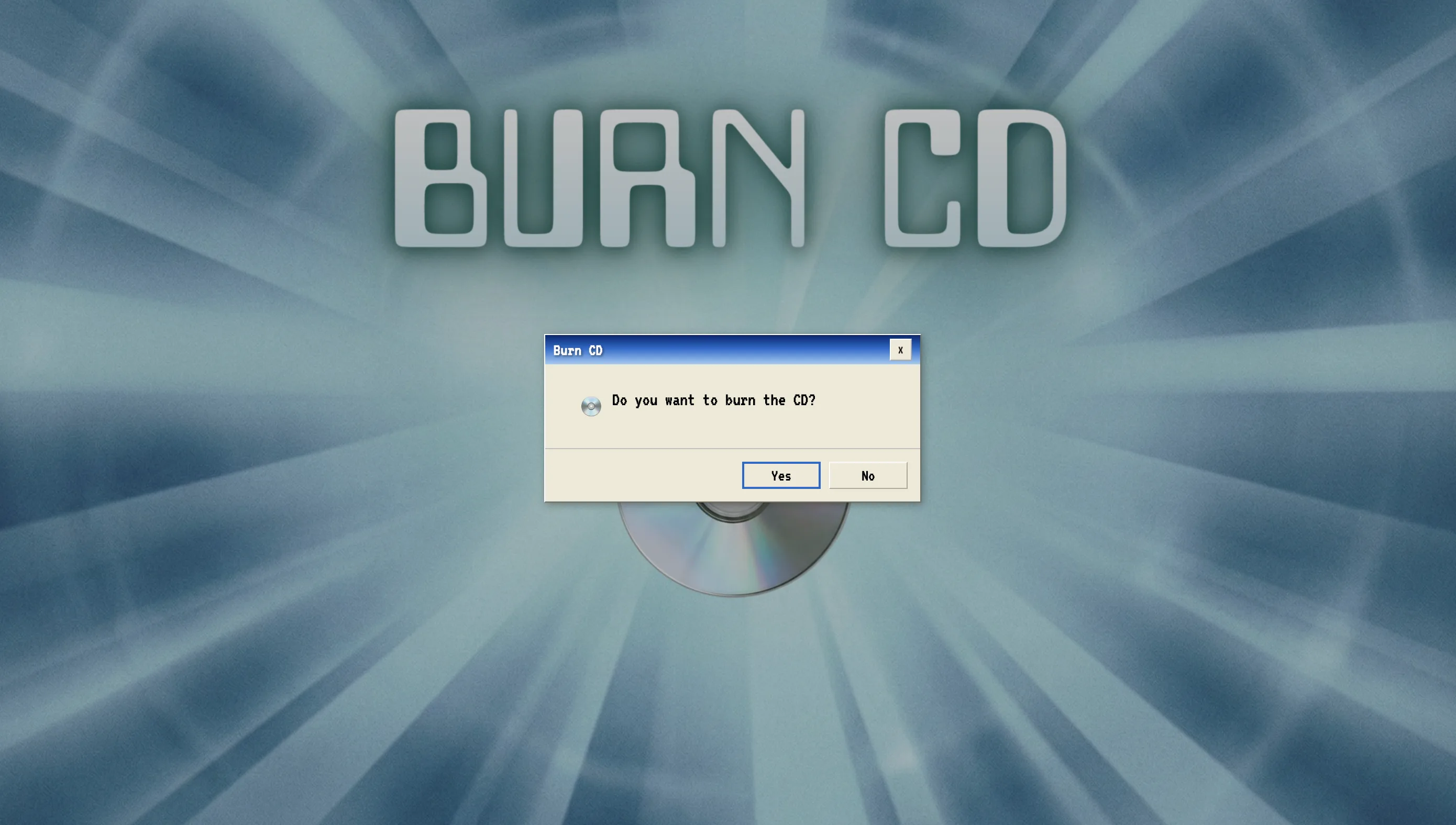
Burn CD is a browser-based music experience that turns a short playlist into a retro virtual CD. It combines song search, 30-second previews, a Windows-style burn sequence, a virtual player, and a shareable disc page. The result is an online mixtape rather than files written to a physical CD.
Open the CD Burn Wizard, search by song or artist, and add tracks to the selected list. Search results display the track and artist information needed to distinguish recordings, and the wizard prevents the same track from being selected twice.
Continue after choosing the tracks and let the animated wizard simulate burning each selection to the disc. After the sequence finishes, Burn CD presents the result in a virtual CD player where each available track can be sampled through a 30-second preview.
Write an optional note of up to 80 characters on the CD case, then generate the sharing view. Burn CD provides a link for the virtual disc and a separate control for copying a numbered text track list.
A recipient can open the shared disc in a browser, read the CD-case note, inspect the selected songs, and listen to the available 30-second previews. The sharing interface also directs recipients toward adding the playlist to Spotify or Apple Music when they want full-track playback.
Burn CD packages song metadata and preview clips into an interactive web experience; it does not burn a physical disc or provide complete recordings. Preview availability depends on the music results returned by the service, while the copied track list remains useful when a listener wants to find the selections in another music app.
Generate a colorful pie chart of your Spotify top artists, genres, and tracks.

Take virtual city drives while listening to local radio.

Create and share a personalized cassette-style mixtape.
Build and send digital flower bouquets in the browser.
Explore an interactive OriginOS-style mobile interface simulation in the browser.
Create receipt-style top music summaries and review Apple Music data limits.
Submit your product for free with a PickApps badge, or explore priority review and sponsored placement options. All submissions are reviewed.
Submit your product