PatternFable
Free to turn photos into editable cross stitch charts with DMC colors and PDFs
Turn natural language into editable multi-page UIs.
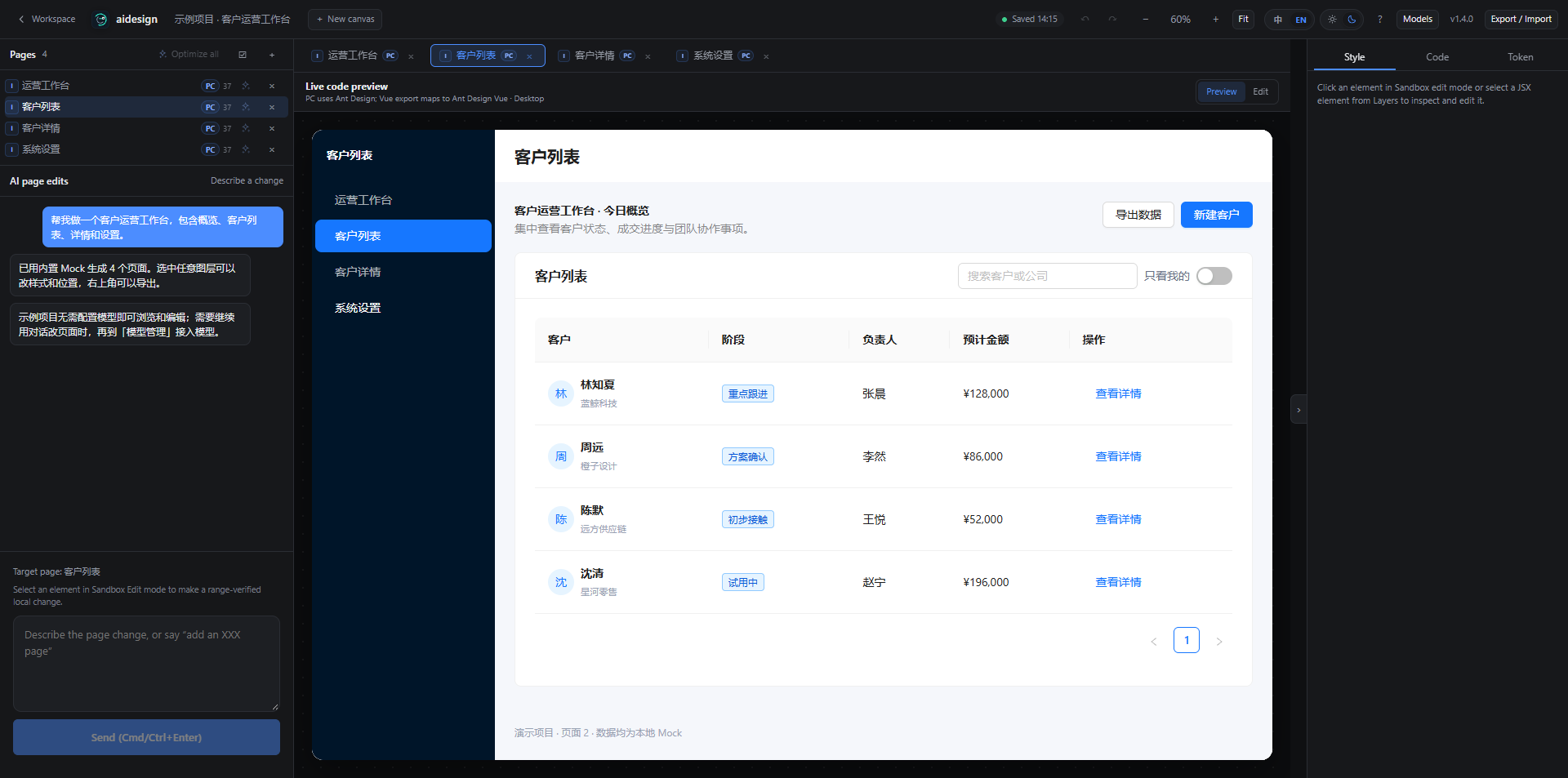
aidesign is a design workspace that turns a written brief into a multi-page interface you can actually edit. Instead of producing a flat mock-up image, it builds a layer tree with named elements, styles, and reusable tokens. You can restyle, rearrange, and export the result as code or as a layered vector file, which makes it useful for handoff as well as for exploration.
aidesign suits product designers who want a fast starting point they can still edit, front-end developers who would rather receive structured layers than a screenshot, and teams that cannot send briefs to a public API.
The workspace is free to use, including the offline mock generator. Costs come from the model you connect. If you supply your own API key, you pay that provider directly at its rates; there is no separate subscription or credit balance on top.
You can export layered SVG, which imports into Figma as grouped layers. A native Figma document is not produced, so component-level Figma features do not transfer.
Projects are stored in the browser. Prompts and responses go to whichever model endpoint you configure, which may be your own server.
Free to turn photos into editable cross stitch charts with DMC colors and PDFs
Create a text logo, wordmark logo, or typography logo in minutes

Create Beautiful Cursive Text Online — Free, Instant & Copy-Paste Ready
Cursive Generators is a free online cursive text generator that helps users cre.
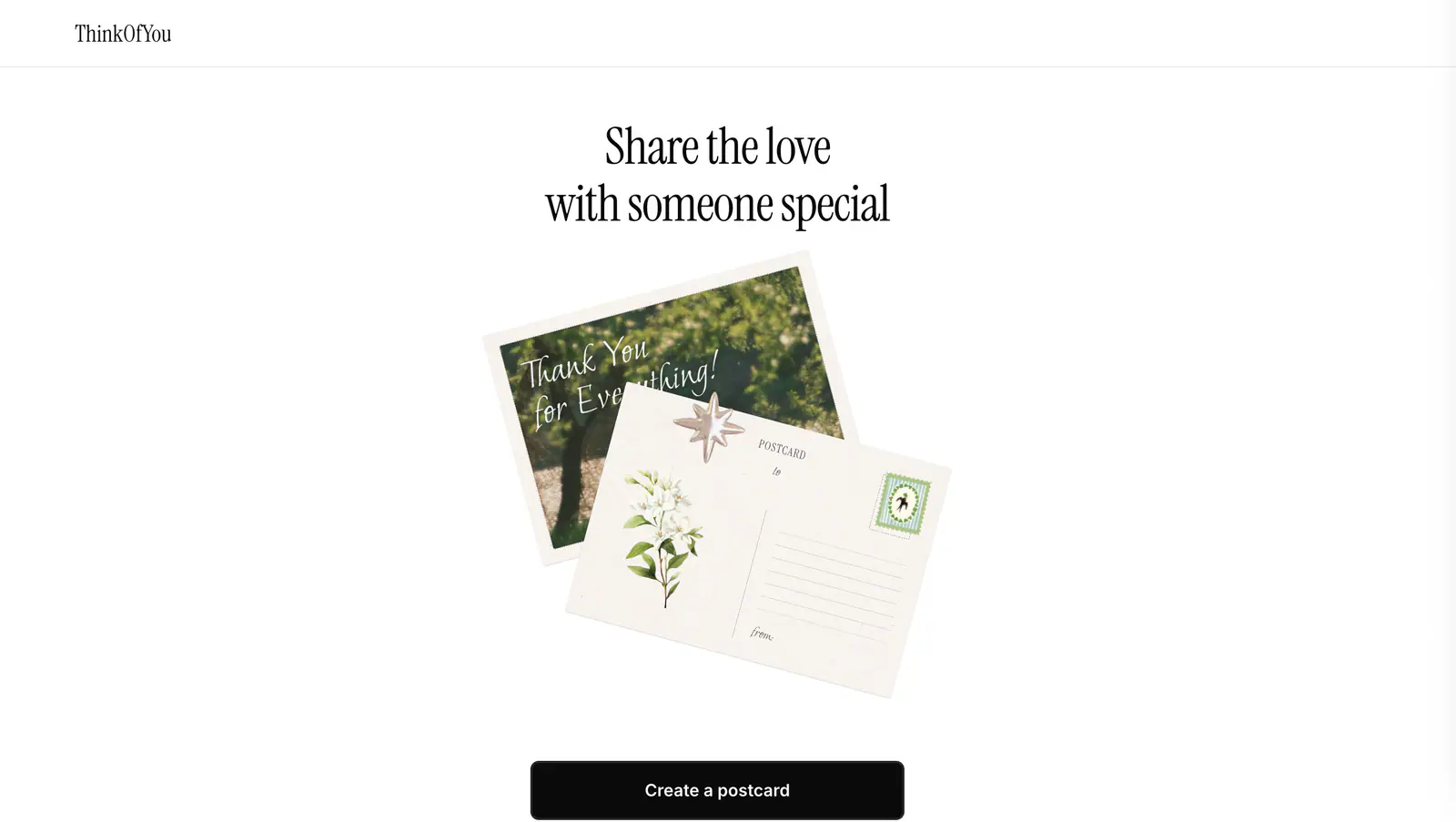
Create a shareable digital postcard with the Think of You Vercel app.
Free browser tools for converting images into Minecraft skins, previewing skin files, and switching between Slim and Classic arm models.
Submit your product for free with a PickApps badge, or explore priority review and sponsored placement options. All submissions are reviewed.
Submit your product